72 BD FACSCanto II Instructions for Use
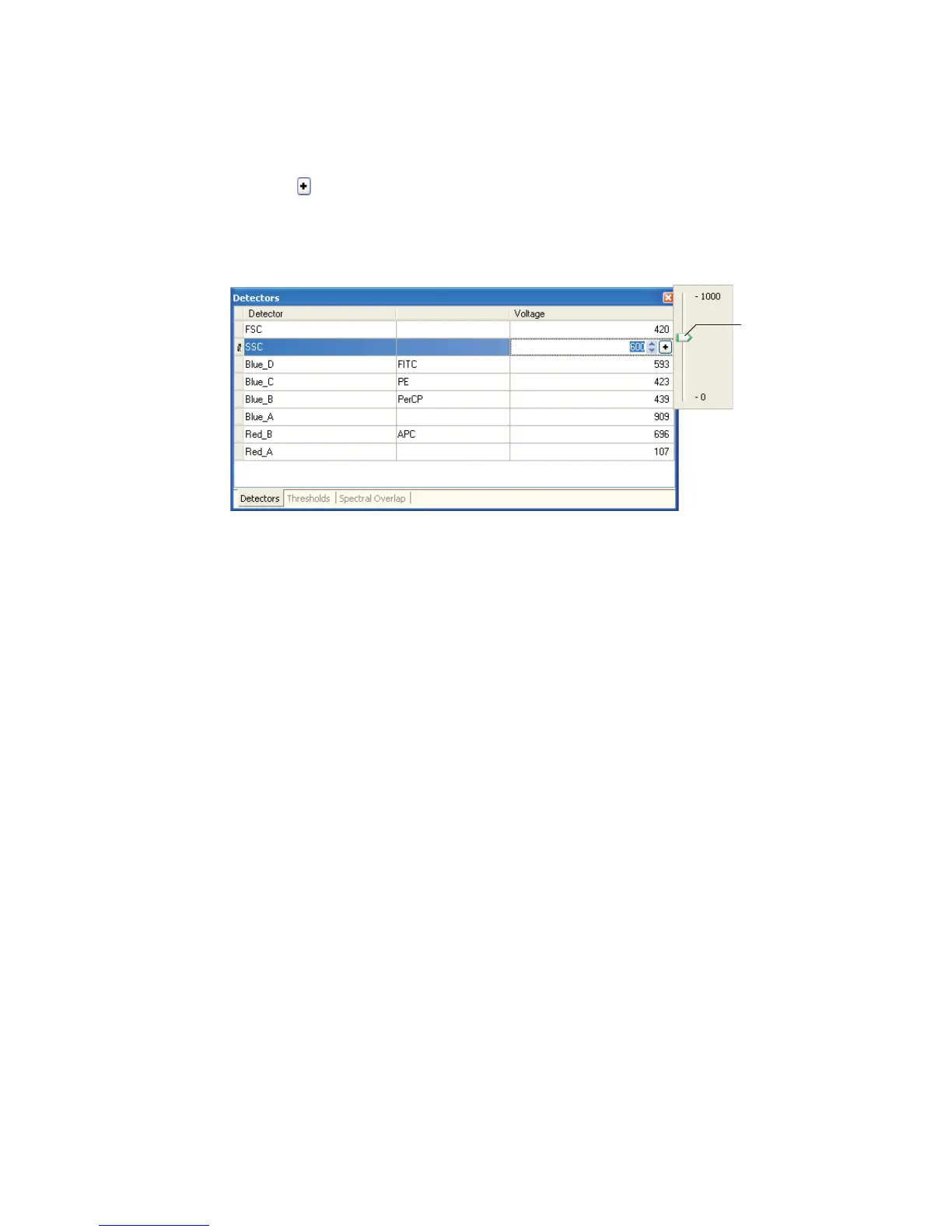
• click the , and drag the pointer to a new setting
• press Ctrl-/ to adjust settings in minor increments, or Ctrl-Page Up/
Page Down to adjust settings in larger increments
Adjusting Thresholds
Use thresholds to filter out unwanted events: a threshold sets a channel number
below which events will not be processed. You can set one or more thresholds at
a time, and choose whether any one (OR) or all (AND) need to be met.
To set a threshold:
1 Enable a parameter as a threshold by selecting the checkbox beside it.
2 Click in the associated Value field to set the threshold value (Figure 5-6 on
page 73).
Use one of the editing methods specified in Adjusting Detectors on page 71.
pointer



 To Next Page