64 BD FACSCanto II Instructions for Use
Optimizing with BD FACSCanto Clinical Software
During optimization, you can adjust thresholds, detector voltages, and spectral
overlap values for a panel type. The software uses BD Biosciences default settings
the first time you optimize. When you make changes, the new settings apply to all
tubes and samples of this panel type.
NOTICE If the software fails to respond during acquisition and you need to
restart the software, perform a fluidics startup prior to resuming acquisition. See
BD FACSCanto Software General Issues on page 199 for more information.
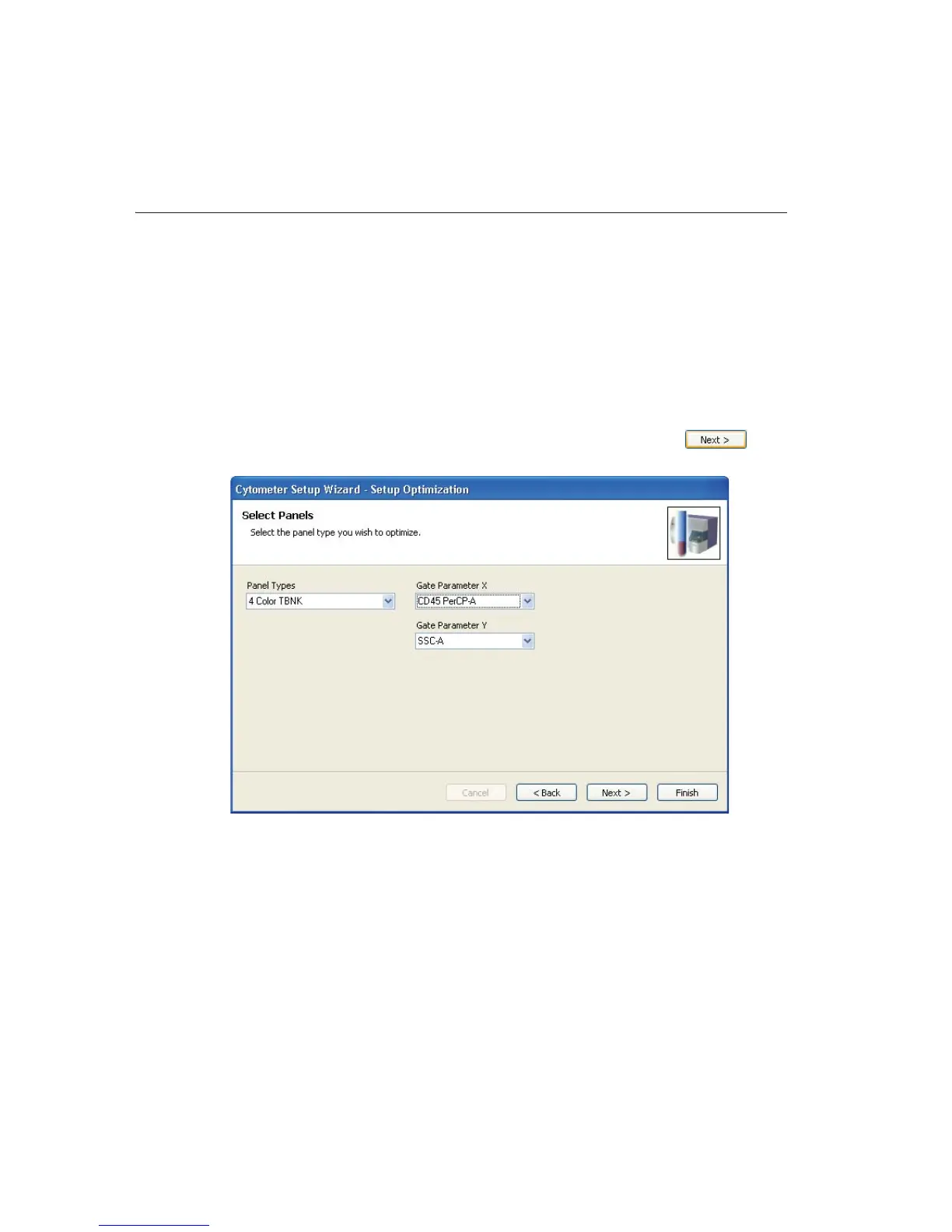
1 Select a panel type and parameters from the menus and click .
Gate Parameter X and Gate Parameter Y refer to the plot parameters for
the first optimization plot, the plot that contains a gate around the cells of
interest.



 To Next Page