34 BD FACSCanto II Instructions for Use
BD FACSDiva Software Workspace
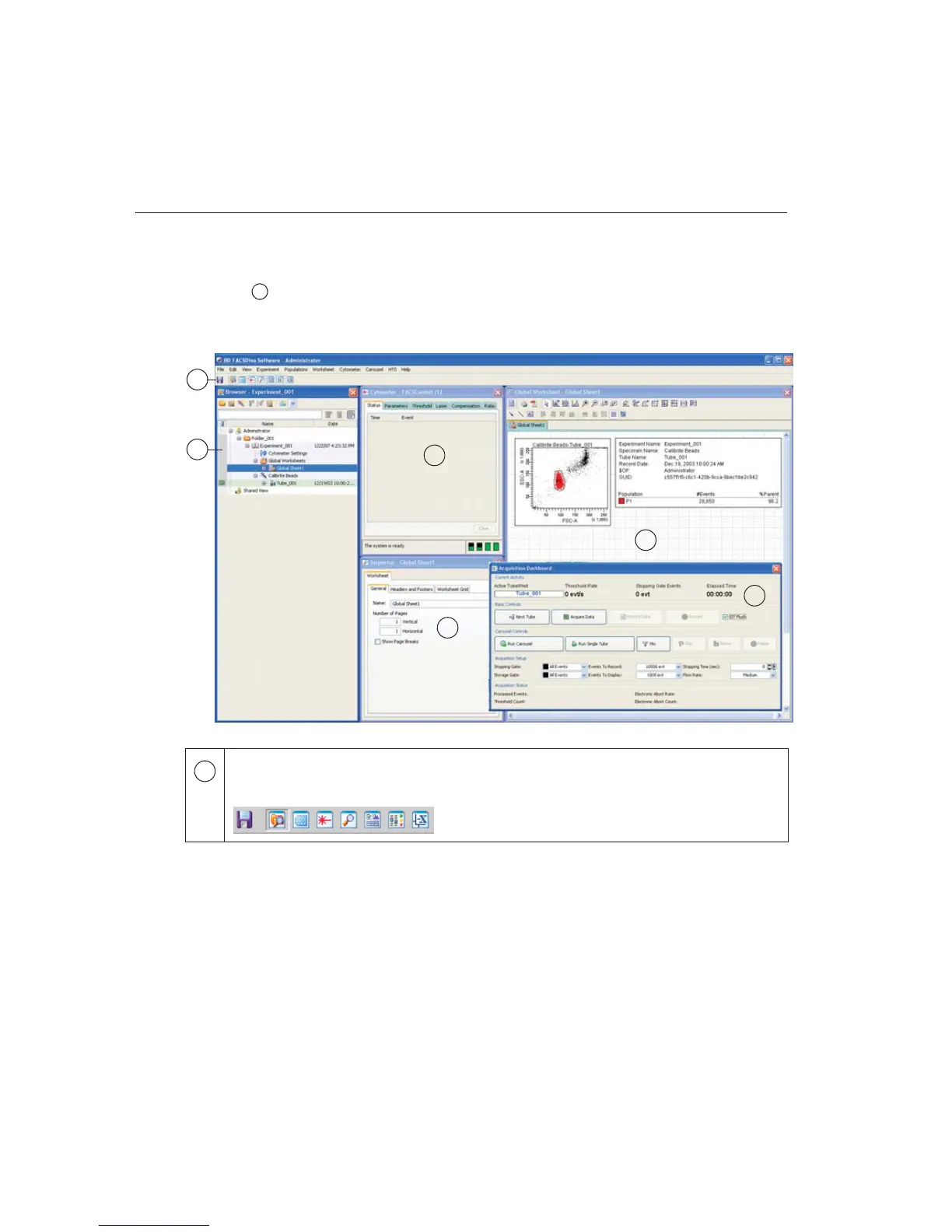
After you log in, the workspace appears, showing the main application windows
(Figure 2-10). Hide or show windows by clicking buttons in the Workspace
toolbar ( in the figure).
Figure 2-10 BD FACSDiva workspace
y
Click a button in the Workspace toolbar to hide or show the corresponding
window. Most windows can be resized by dragging a border or corner.
1
1
2
4
3
5
6
1



 To Next Page