Chapter 6: Running Samples with BD FACSCanto Clinical Software 91
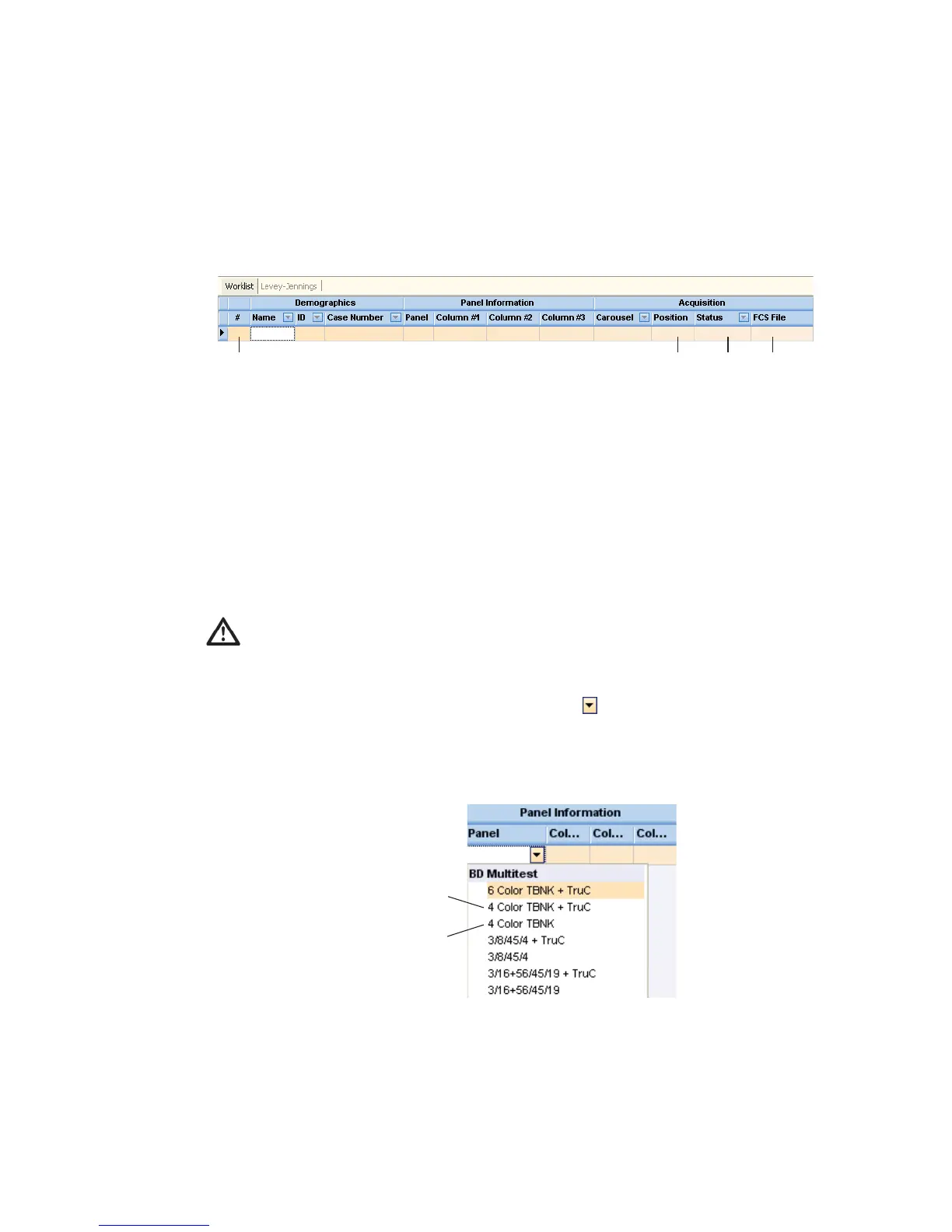
Entering Information into a Worklist
A worklist can contain information for up to 200 samples.
1 (Optional) Enter a name.
2 Enter an ID.
Tip To automatically enter sample IDs, use the optional barcode reader.
3 (Optional) Enter a case number.
4 Choose a panel.
• Either click in the Panel field, click the , and choose a panel, or
• Press Alt-
to access the Panel menu, and use the arrow keys to choose
a panel.
For accurate results, make sure you choose the correct panel for your
sample type.
****
*
software assigned, not user editable
panel uses Trucount tubes
panel does not use Trucount tubes



 To Next Page