82 BD FACSCanto II Instructions for Use
Creating Compensation Controls
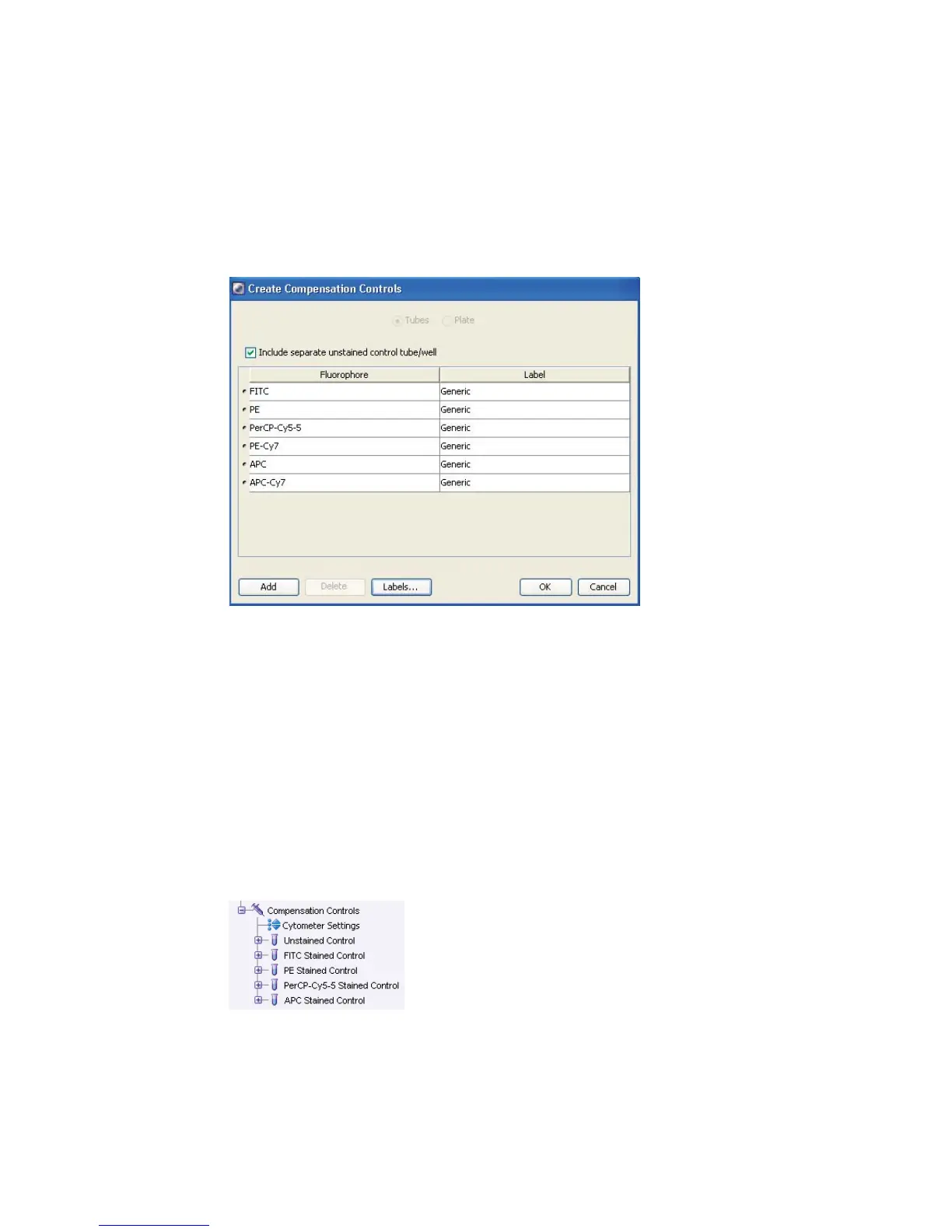
1 Choose Experiment > Compensation Setup > Create Compensation Controls.
2 (Optional) Edit the labels associated with parameters.
Edit labels when your experiment contains samples stained with the same
fluorophore conjugated to different antibodies (labels) that require
different compensation values. Compensation differences are especially
noticeable in tandem conjugates, due to lot-to-lot variation.
3 Click OK.
The software adds a compensation control, containing stained control tubes
and one unstained control tube, to your experiment. Normal worksheets
containing the appropriate plots are added for each compensation tube.



 To Next Page