Chapter 6: Running Samples with BD FACSCanto Clinical Software 93
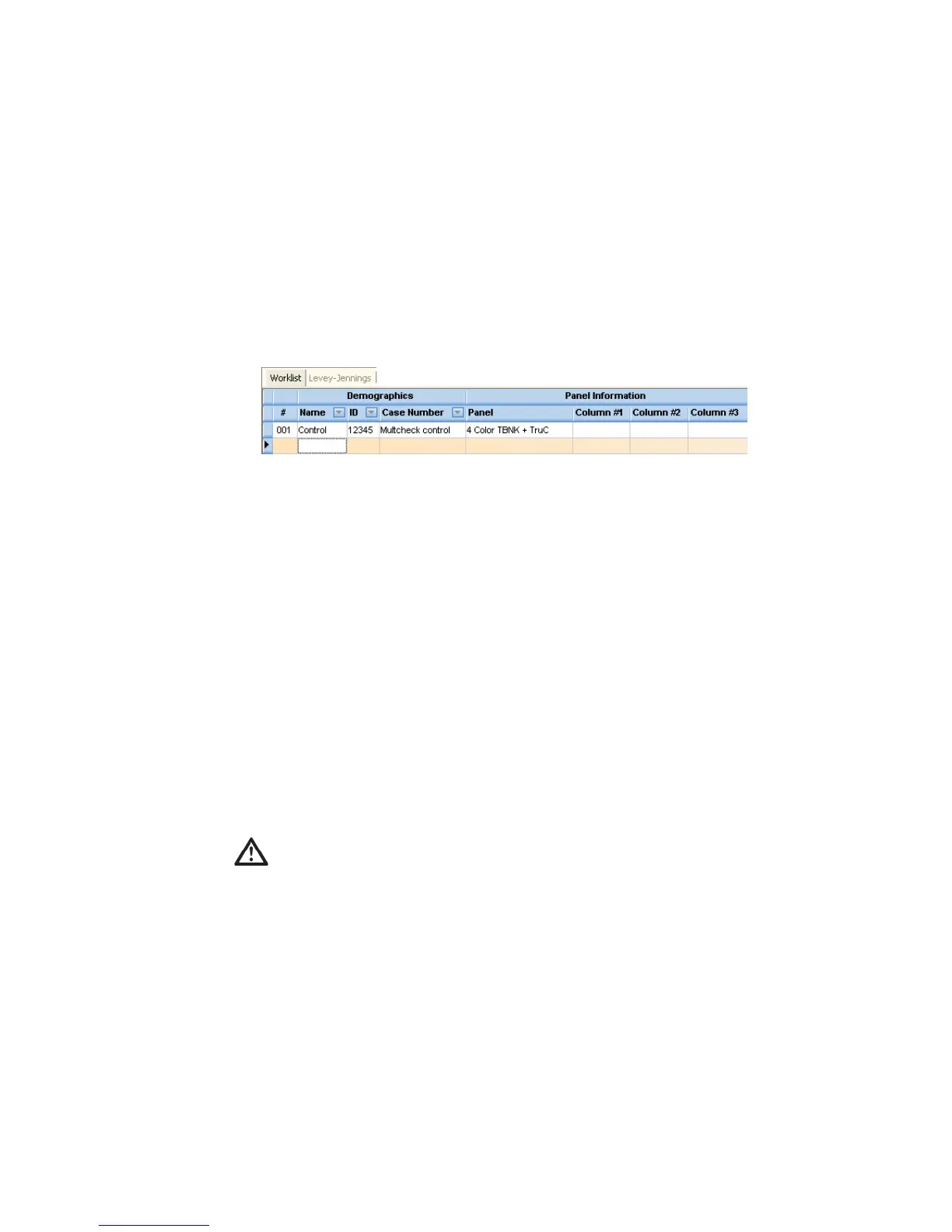
2 In the ID field, enter the control’s lot ID.
Results are exported as [lotID].csv to C:\Program Files\BD FACSCanto
Software\DataFiles. If the file already exists, results are appended.
3 (Optional) Enter a case number.
You can also enter a short comment in this field.
4 Select a panel.
5 Run the control as you would a typical sample.
Acquiring Samples
NOTICE If the software fails to respond during acquisition and you need to
restart the software, perform a fluidics startup prior to resuming acquisition. See
BD FACSCanto Software General Issues on page 199 for more information.
1 Enter all sample information into a worklist.
2 (Loader) Prepare to acquire with the Loader.
• Print the worklist; load tubes into the carousel(s) according to the printout.
If the software cannot find a tube when starting a run, a message
appears requiring operator response. See Figure 6-1 on page 94.
For accurate results, match tube positions to those listed on the
printout. Make sure to use the carousel rack with the appropriate
Carousel number.



 To Next Page