94 BD FACSCanto II Instructions for Use
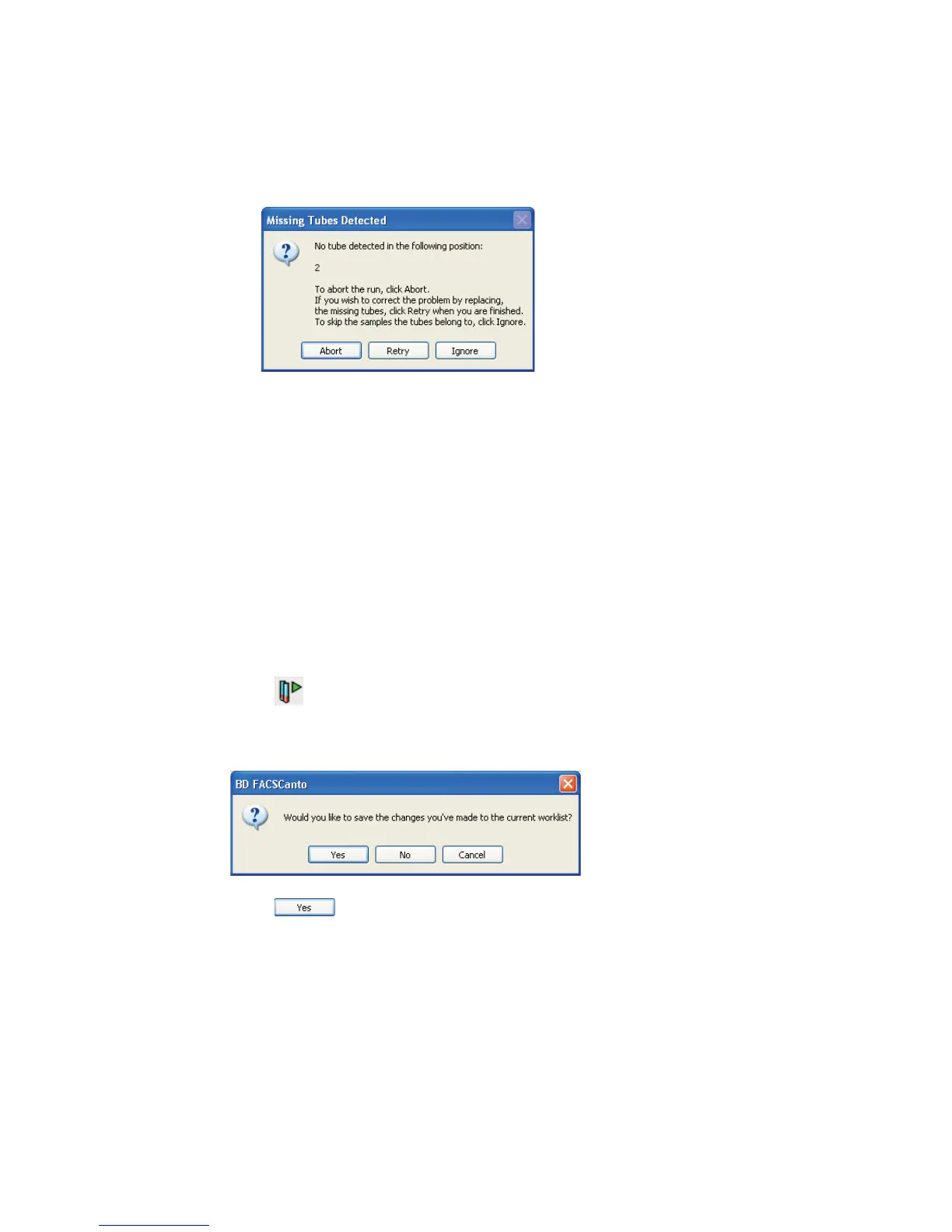
Figure 6-1 Missing Tubes Detected dialog
• Set up the cytometer for automatic loading (page 136).
• Insert the carousel into the Loader, and close the Loader doors.
The worklist will not run with the Loader doors open.
3 Verify that the cytometer is ready.
Check the status bar at the bottom of the main window, and the Status
window. If an error condition exists, resolve it before starting the worklist.
4 From the View menu, choose to display Detectors, Spectral Overlap, and
Threshold.
5 Click .
A dialog appears asking if you want to save the worklist:
6 Click ; specify a file name and storage location in the next dialog
box.
(Loader) The carousel briefly mixes the samples, and acquisition begins.



 To Next Page