Chapter 10: Maintenance 173
3 Check the flow cell for bubbles.
If you still see bubbles, repeat the process.
Tip You might need to de-gas a new flow cell several times to clear bubbles.
Cleaning the Flow Cell
1 Choose Cytometer > Cleaning Modes > Clean Flow Cell.
2 If you have a Loader installed, remove the carousel.
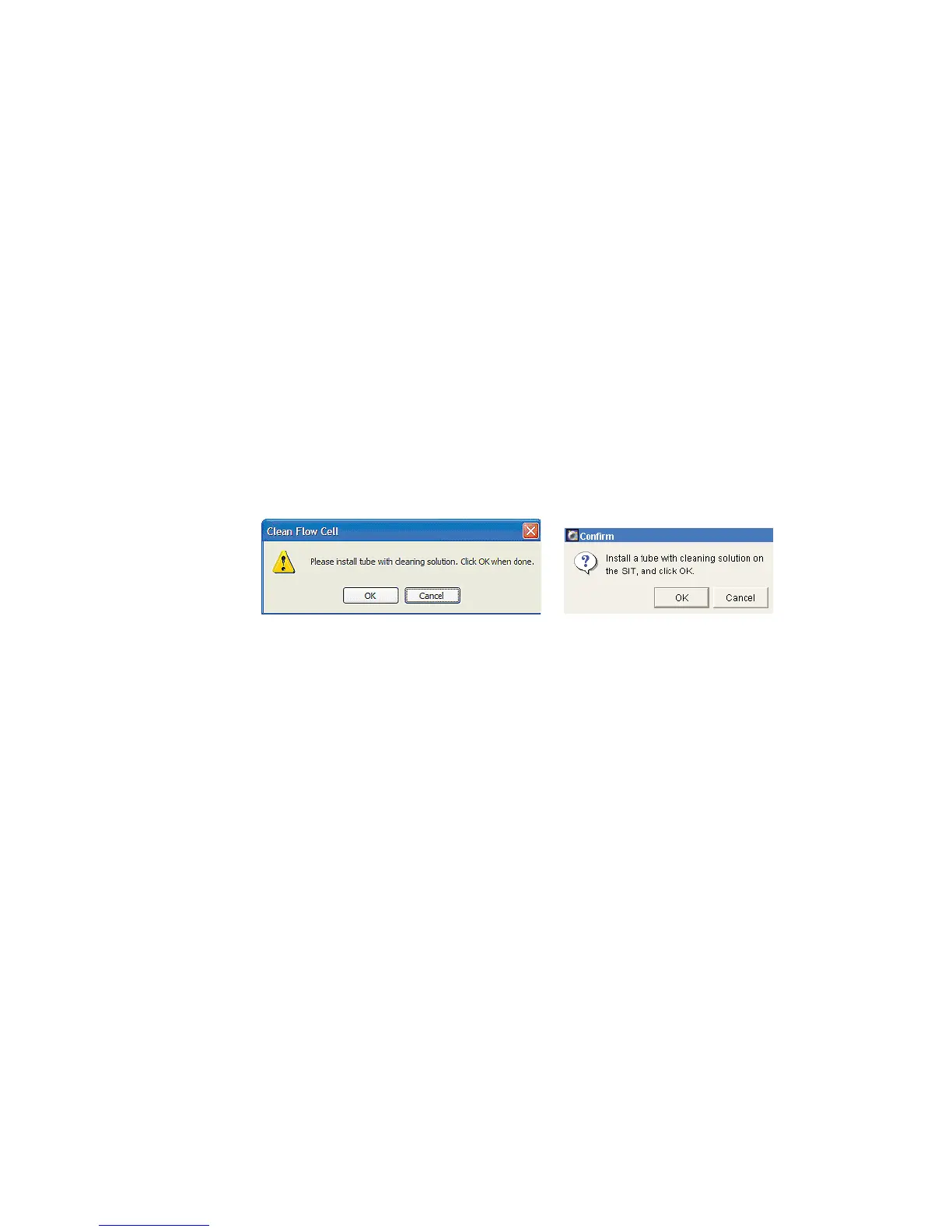
3 When prompted, manually install a tube containing approximately 2 mL of
cleaning solution onto the SIT, and click OK.
A progress message is displayed during the cleaning.
4 After the completion message displays, wait 5 minutes.
Waiting allows BD FACSClean solution to dissolve deposits in the flow cell
cuvette.
5 Click OK.
6 Remove the tube from the SIT.
7 Clear BD FACSClean solution from the flow cell and fluidics lines:
• Before running setup or samples, run Fluidics Startup.
• To shut down without running more samples, run Fluidics Shutdown.
BD FACSDiva software
BD FACSCanto clinical software



 To Next Page