174 BD FACSCanto II Instructions for Use
Purging the Bubble Filter
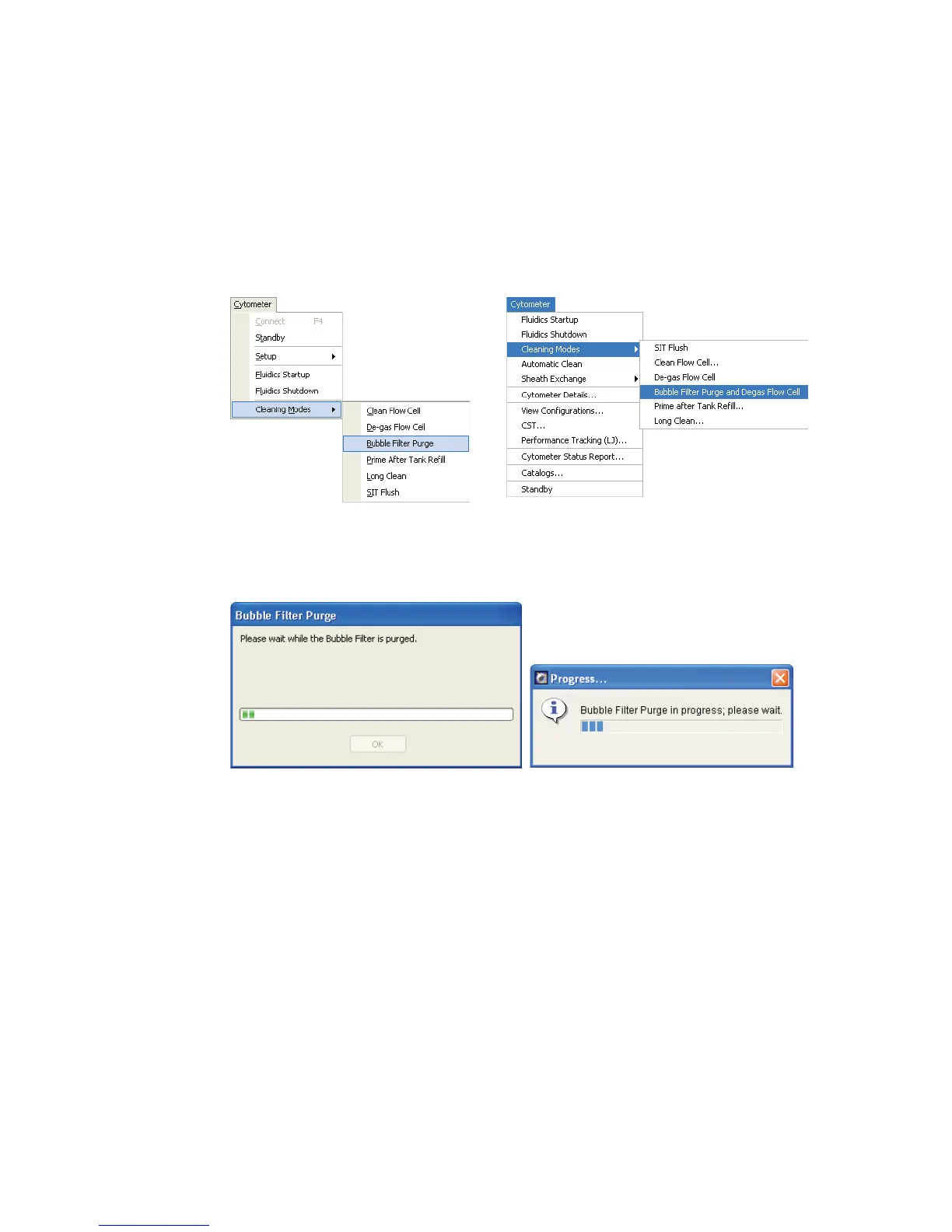
1 Choose Cytometer > Cleaning Modes > Bubble Filter Purge (Bubble Filter
Purge and Degas Flow Cell).
2 Wait while the purge finishes.
3 Click OK when the completion message displays.
4 Repeat steps 1 through 3 until bubble-free liquid enters the flow cell from
the bubble filter.
5 If you are using BD FACSCanto clinical software, choose Cytometer >
Cleaning Modes > De-gas Flow Cell.
BD FACSDiva software
BD FACSCanto clinical software
BD FACSCanto clinical software
BD FACSDiva software



 To Next Page