106 BD FACSCanto II Instructions for Use
Skipping a Tube
1 In the Acquisition tab, click .
2 Click .
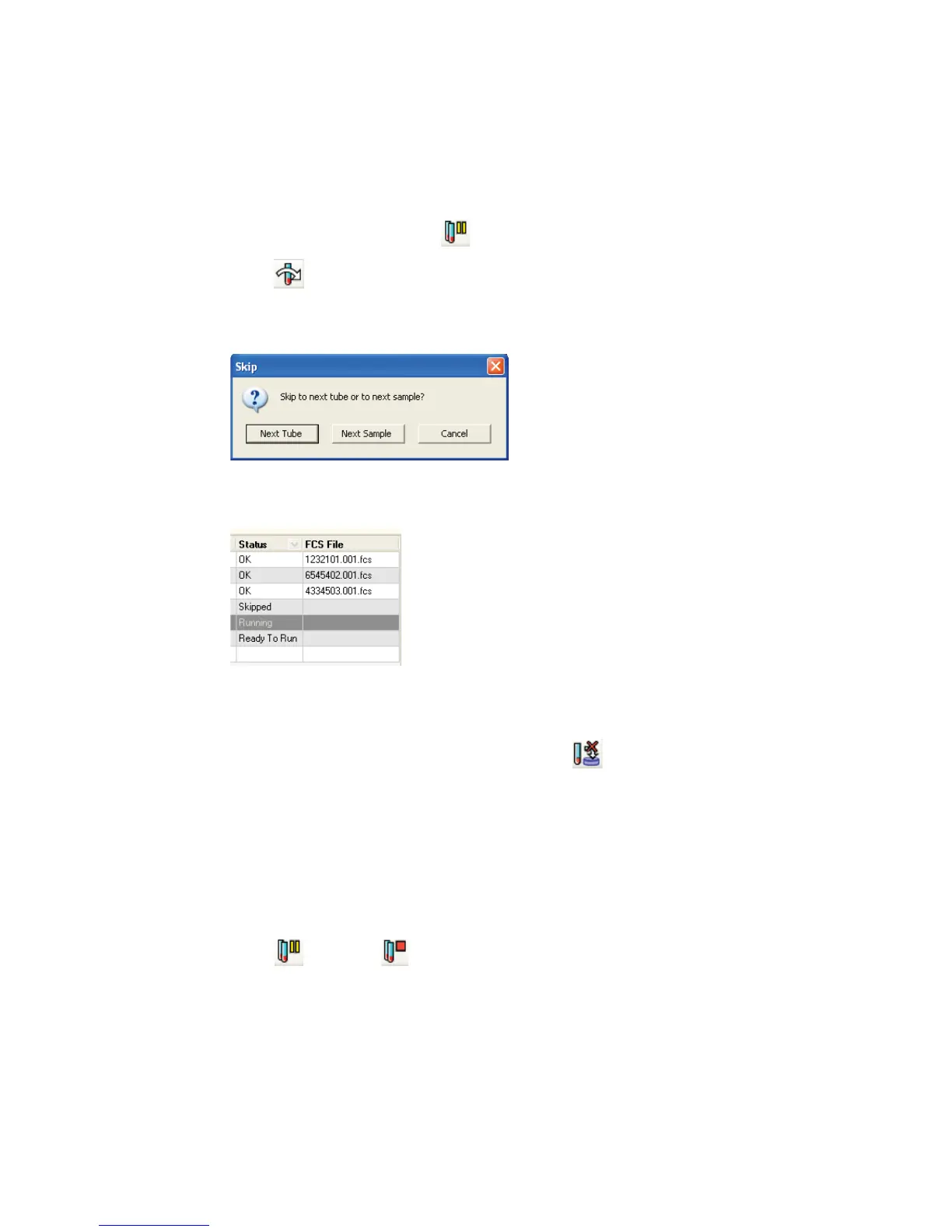
3 Select whether you want to skip to the Next Tube or Next Sample:
Skipped tubes are indicated on the worklist:
Stopping Recording
To stop recording data for the current sample, click at the Acquisition tab.
The software saves the data already recorded for that tube and proceeds to the
Lab Report view or starts acquisition of the next sample.
Adding Samples to the Worklist
You can add samples to a worklist when it is stopped.
1 Click and then to stop the worklist.
2 If a sample tube was loaded manually, remove the tube from the SIT.



 To Next Page