92 BD FACSCanto II Instructions for Use
If you select a 4-color TBNK panel that does not use BD Trucount tubes, to
calculate absolute counts you need to either
• enter the WBC count (x 1000) and the lymphs (%), or
• enter the absolute lymphocyte count (x 1000)
where .
If you try to enter all three values, the software will alert you with a dialog.
5 (Loader only) Choose a carousel ID in the Carousel field.
Click the in the field, and choose a number. The number you choose
must match the number on top of the carousel.
Running a Process Control
BD Biosciences recommends that you always run a process control using your
optimized settings before running test samples (unknowns). Process control
results are automatically exported to a spreadsheet file. Use the file to track
results over time.
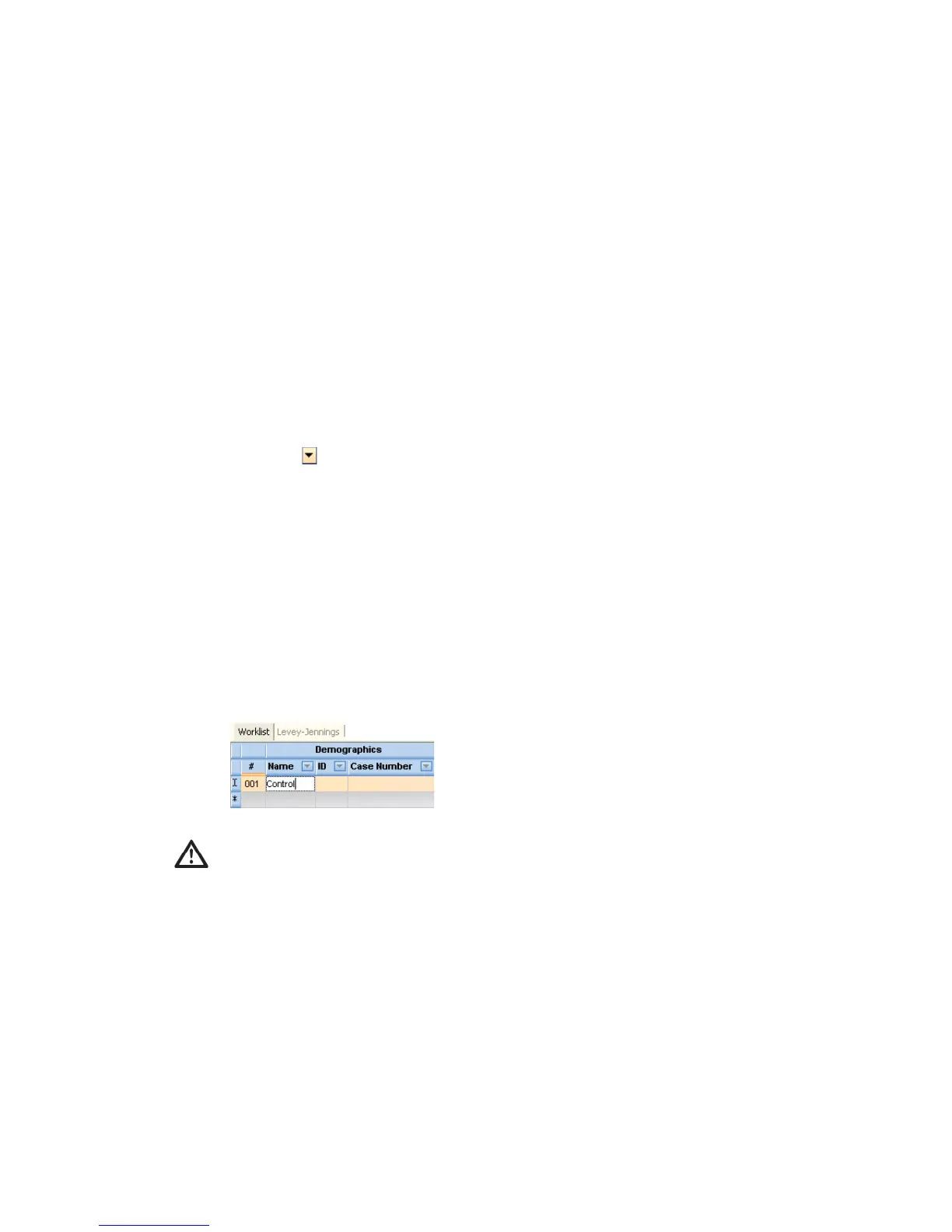
1 In the Name field, enter Control.
Names other than Control (not case-sensitive) will not be exported into the
control-specific file.
counts
cells uL
1000



 To Next Page