80 BD FACSCanto II Instructions for Use
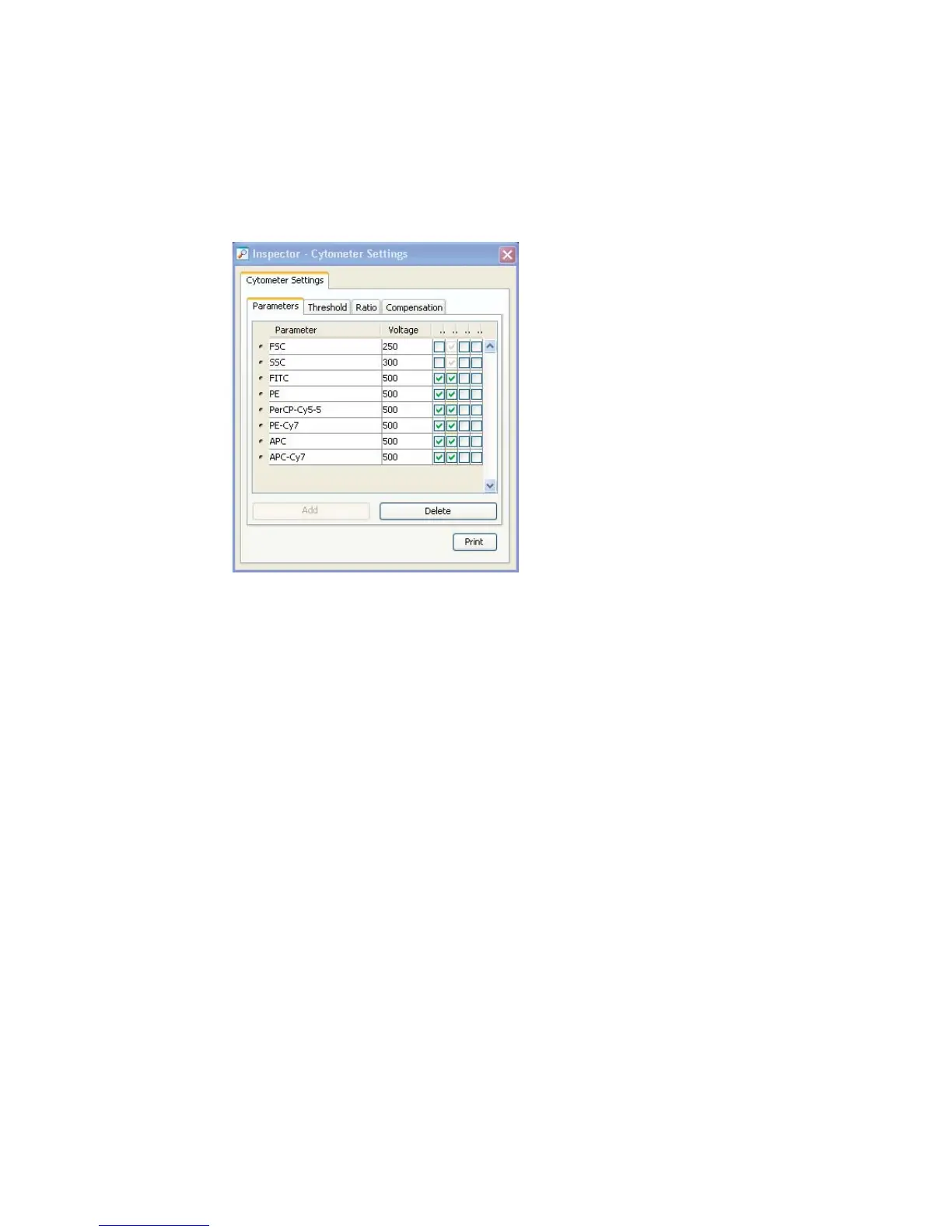
5 Select the experiment-level cytometer settings, and click the Parameters tab
in the Inspector.
6 Change, add, or delete parameters as needed.
• To change, select a parameter, and choose a new one from the drop-
down menu.
• To add, click Add—a new line appears. Select it, and choose a
parameter from the drop-down menu.
NOTICE The Add button is enabled only when less than the maximum
number of parameters are shown in the Inspector.
• To delete, click the selection button next to the parameter and click
Delete.



 To Next Page