Chapter 5: Cytometer QC and Setup 79
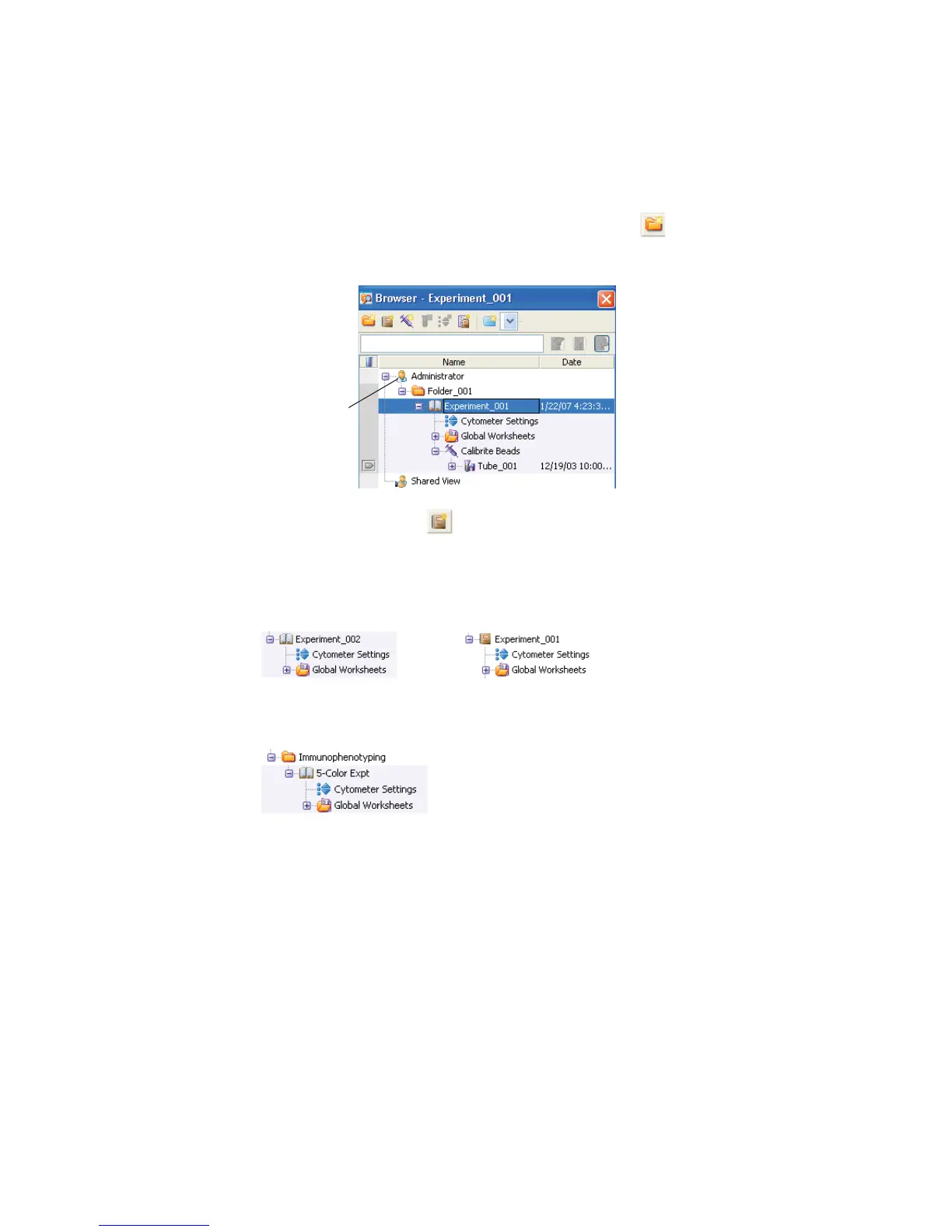
2 (Optional) Create a folder:
Select your database icon in the Browser, and click in the Browser
toolbar. Rename the folder.
3 Select the folder, click to create a new experiment.
An open experiment appears.
4 Rename the experiment.
database icon
open experiment
closed experiment



 To Next Page