140 BD FACSCanto II Instructions for Use
4 View data for the first tube on the global worksheet.
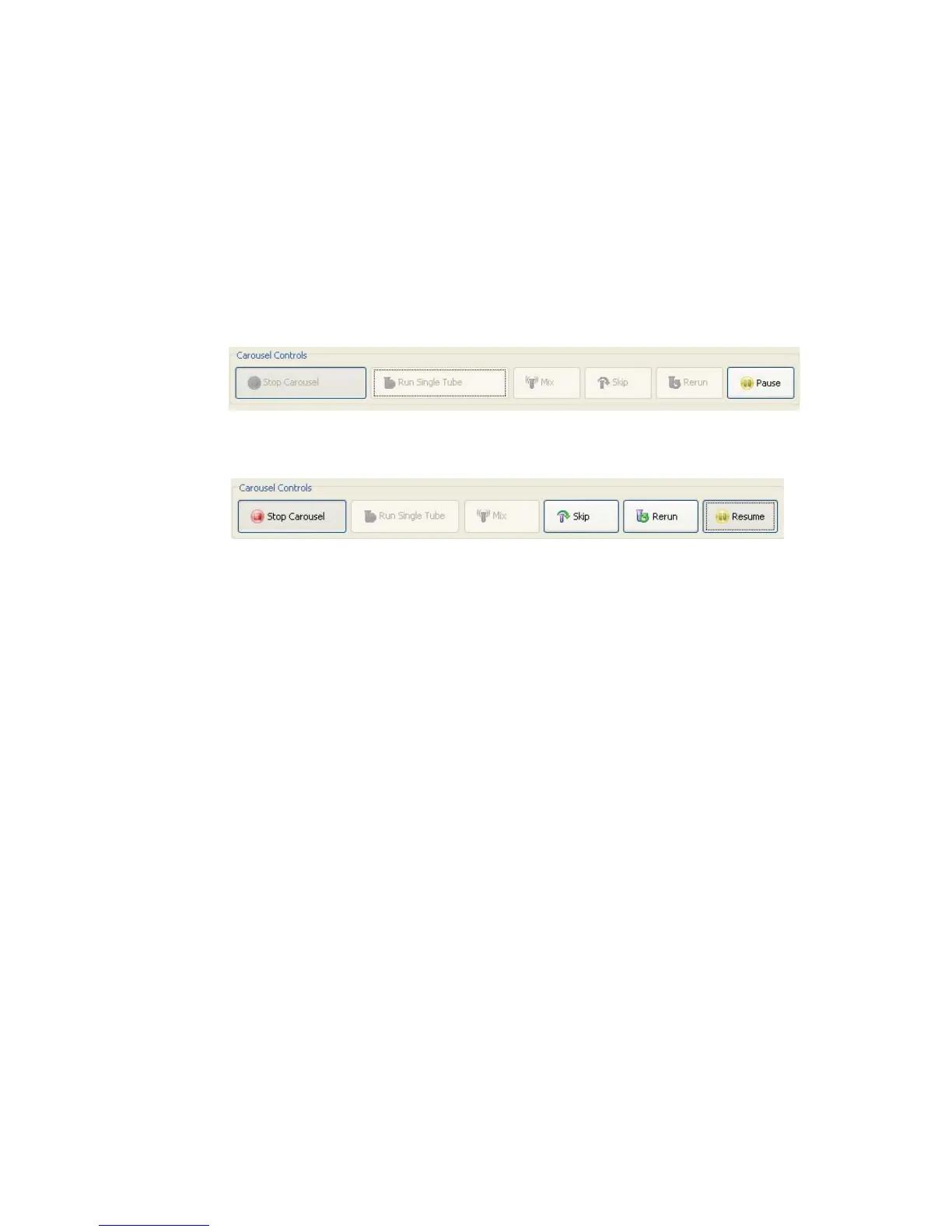
The ID of the currently running carousel along with the tube’s position
appear in Carousel Controls.
5 If necessary, click Pause and make adjustments to cytometer settings or the
analysis.
6 Click Resume to proceed with acquisition of the next tube.
Data for the current tube is displayed in the global worksheet view for the
amount of time specified in General Carousel preferences. Any changes to
the global worksheet remain in effect for the rest of the tubes that use the
same worksheet.
Tube processing continues until the carousel is complete. Repeat step 4
through step 6 for the remaining tubes on the carousel.
7 Load the next carousel when prompted; click Continue.
8 When done, review the Carousel Run Report (Figure 8-6 on page 141).
Any tube errors that occurred during the run are highlighted.



 To Next Page