112 BD FACSCanto II Instructions for Use
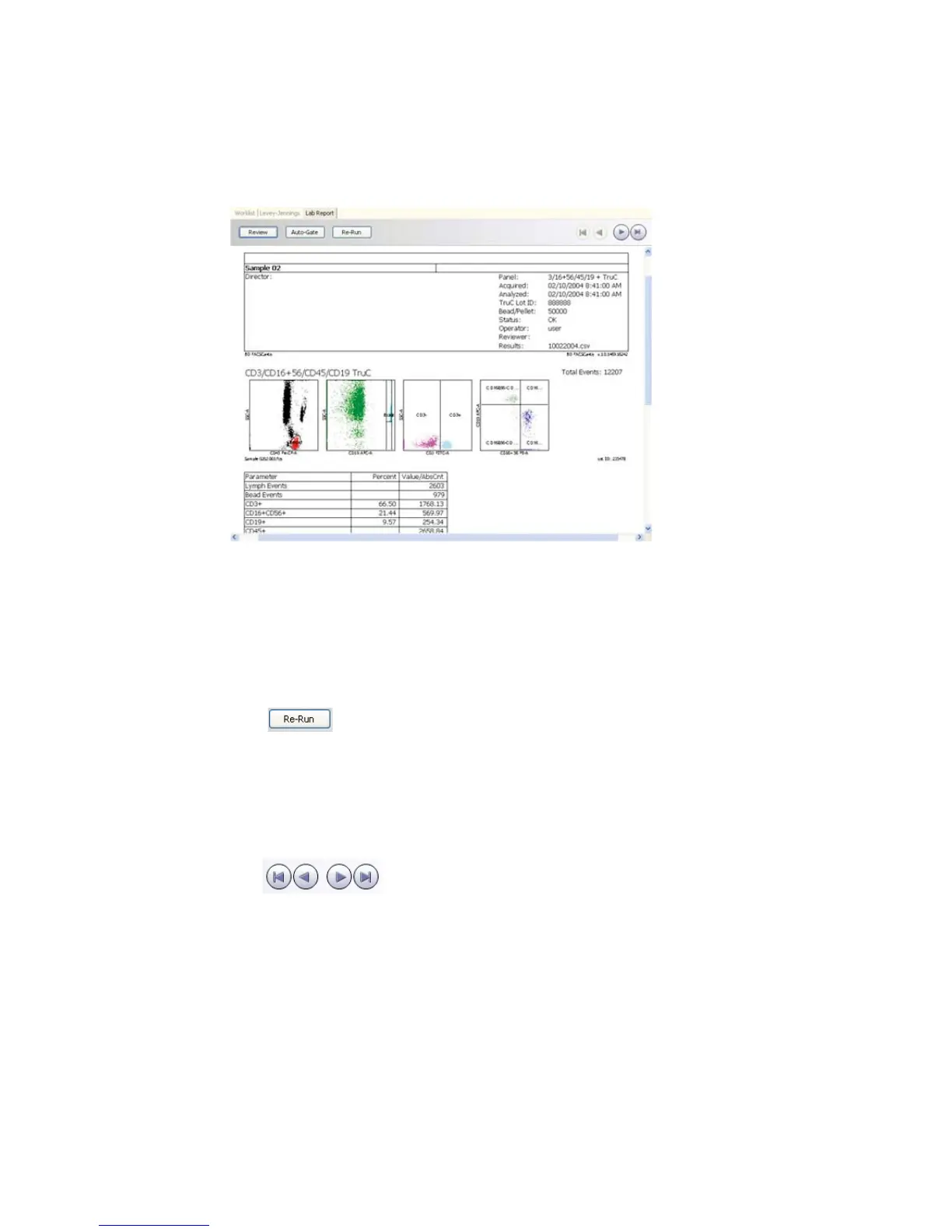
Figure 6-3 Lab Report
• To adjust gates, see page 102; to revert to auto-gates, see page 104.
• For suggestions on addressing QC messages, see page 210.
• To append a virtual signature to reviewed reports, see page 105.
2 (Acquisition worklists only) To re-run a tube or all tubes for the sample,
click (see Re-Running a Tube on page 104).
Re-running a tube overwrites all data for that tube. You must put the
sample tube on the SIT to re-run it; you cannot re-run a data file or a
sample in an analysis worklist.
3 Continue reviewing reports as needed.
Use to navigate to other Lab Reports in the worklist.
4 Save the worklist.
Saving a worklist allows you to reanalyze data and review Lab Reports at a
later time and use the worklist as a template.



 To Next Page