110 BD FACSCanto II Instructions for Use
Opening an Existing Analysis Worklist
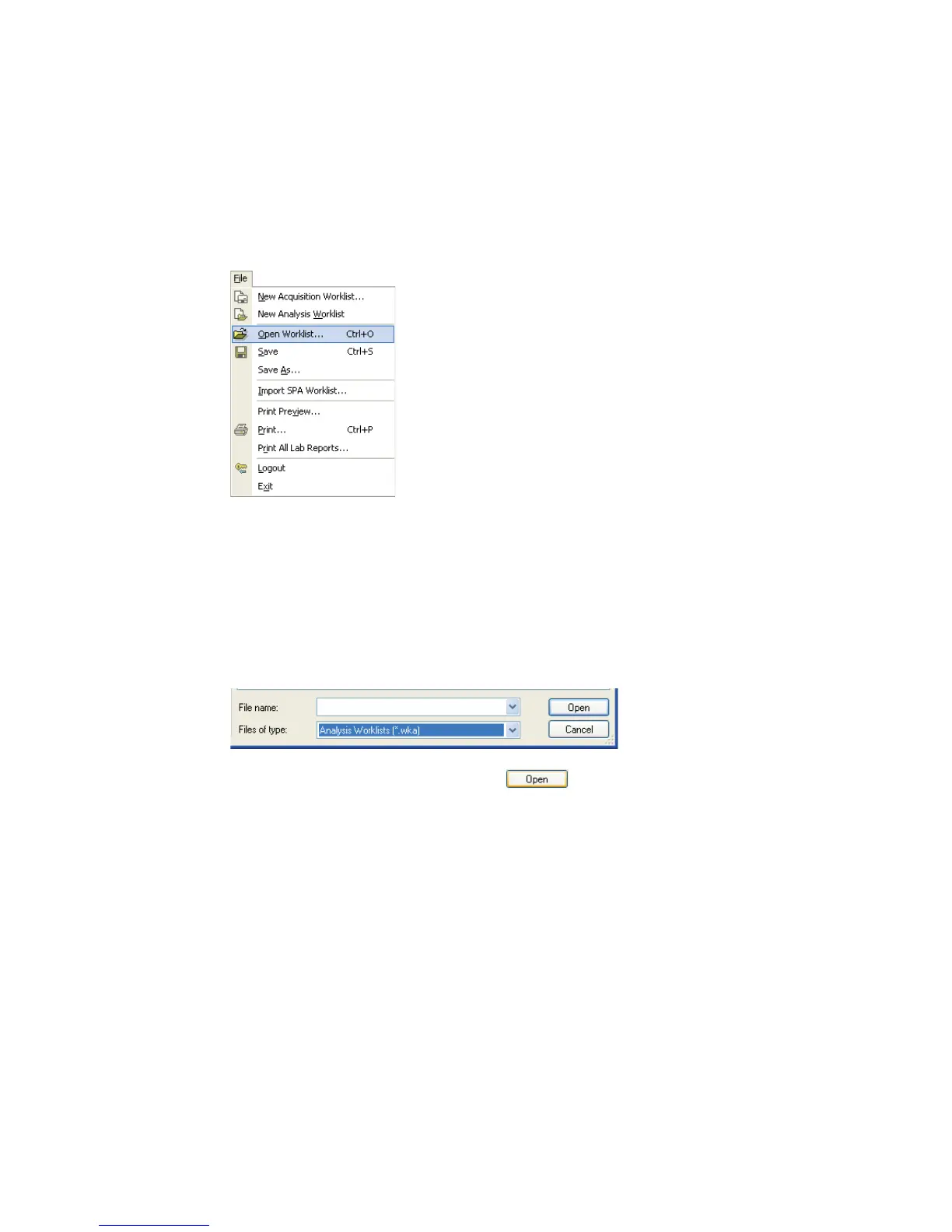
1 Choose File > Open Worklist.
2 Navigate to the folder containing your saved worklists.
By default, worklists are stored in C:\Program Files\BD FACSCanto
Software\Worklists.
3 From the Files of Type drop-down menu at the bottom of the window,
choose Analysis Worklists (*.wka).
4 Select an analysis worklist, and click .



 To Next Page