Chapter 6: Running Samples with BD FACSCanto Clinical Software 109
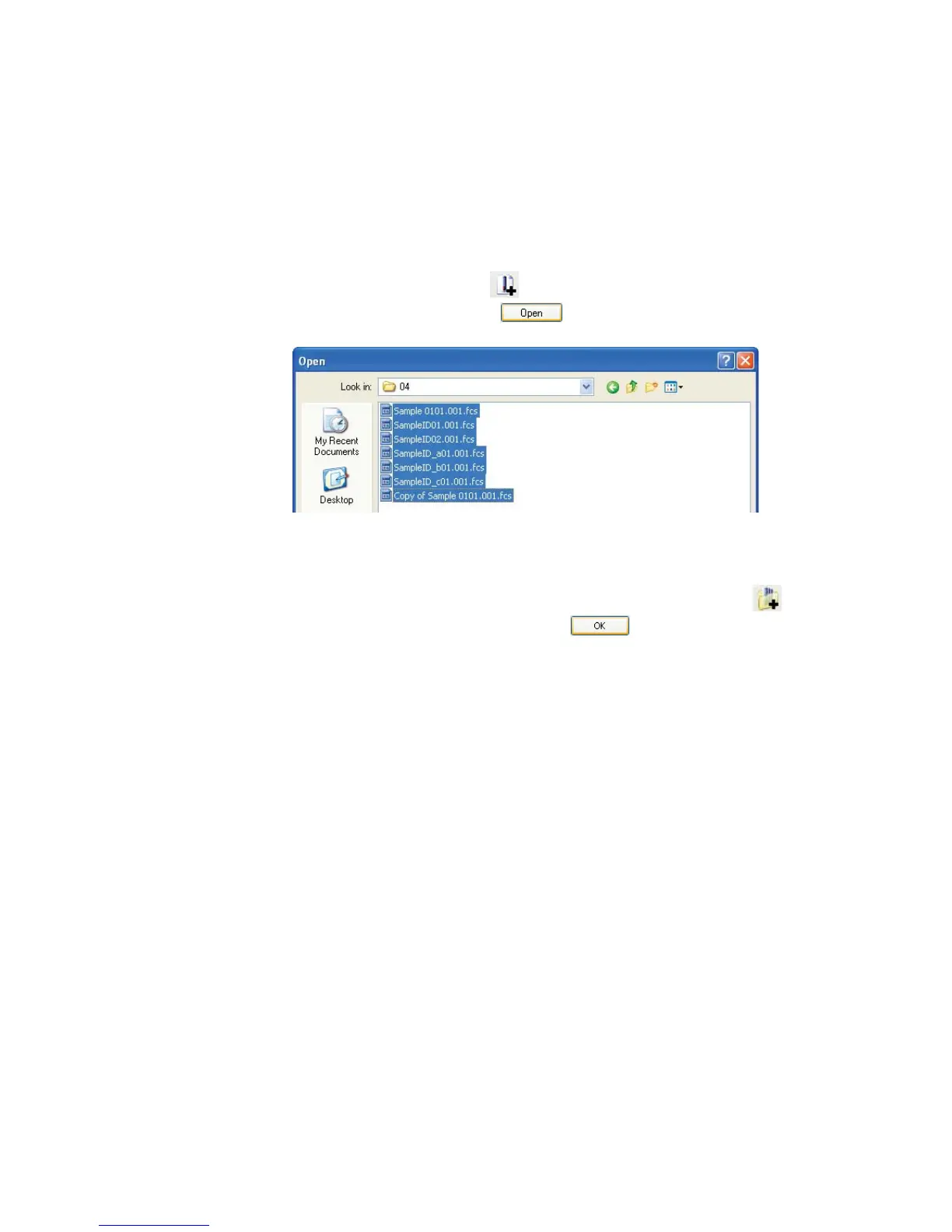
2 Add FCS files.
By default, the software stores FCS files in a dated folder in
D:\BDFACSCantoFCSFiles.
• To add selected files, click , navigate to the folder containing the
files, and select them. Click .
Only the FCS file for the first tube in a panel is displayed. All tubes in
the panel are automatically imported when you select this file.
• To add all files in a folder (including files in subfolders), click ,
locate and select the folder, and click .
3 Verify that the worklist contains all required files.
You cannot edit an analysis worklist.
4 Continue to add FCS files (up to 200).



 To Next Page