Chapter 7: Running Samples with BD FACSDiva Software 117
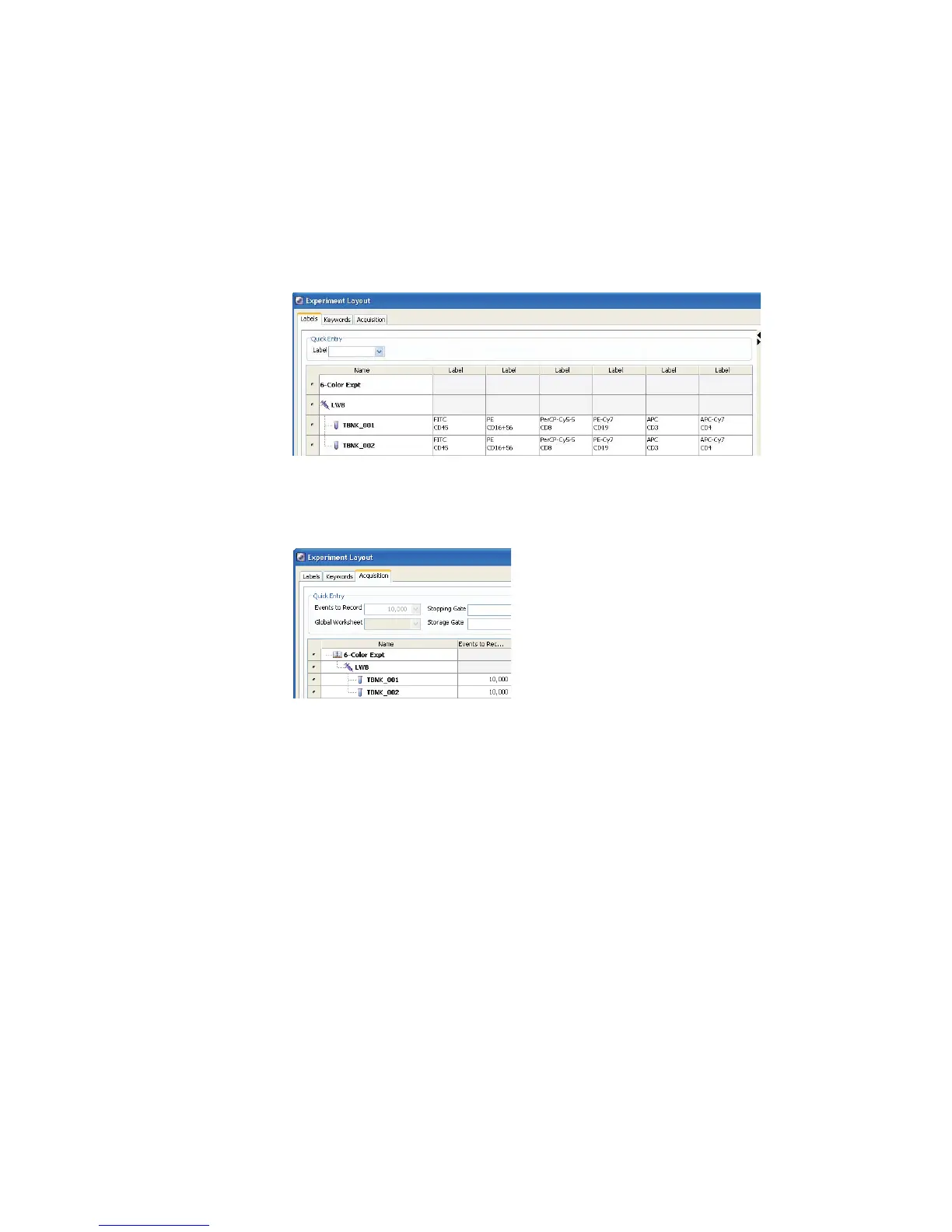
• In the Labels tab, enter appropriate labels for the tube. For example,
enter CD45 in the FITC field. Use the Tab key to move to the next field
(Figure 7-1).
Figure 7-1 Entering parameter labels
• In the Acquisition tab, verify 10,000 events to record for tubes
TBNK_001 and TBNK_002; click OK.
6 On the global worksheet, create plots for previewing the data.
For example, create FITC vs SSC, APC vs PE-Cy7, APC vs PE, APC vs
APC-Cy7, and APC vs PerCP-Cy5.5 dot plots.



 To Next Page