Chapter 7: Running Samples with BD FACSDiva Software 121
2 Verify tube and panel names from the SPA worklist exactly match those in
the BD FACSDiva panel template.
3 If there is a discrepancy, create a new panel template in BD FACSDiva
software to match the reagent panel in the SPA software; otherwise, go to
step 4.
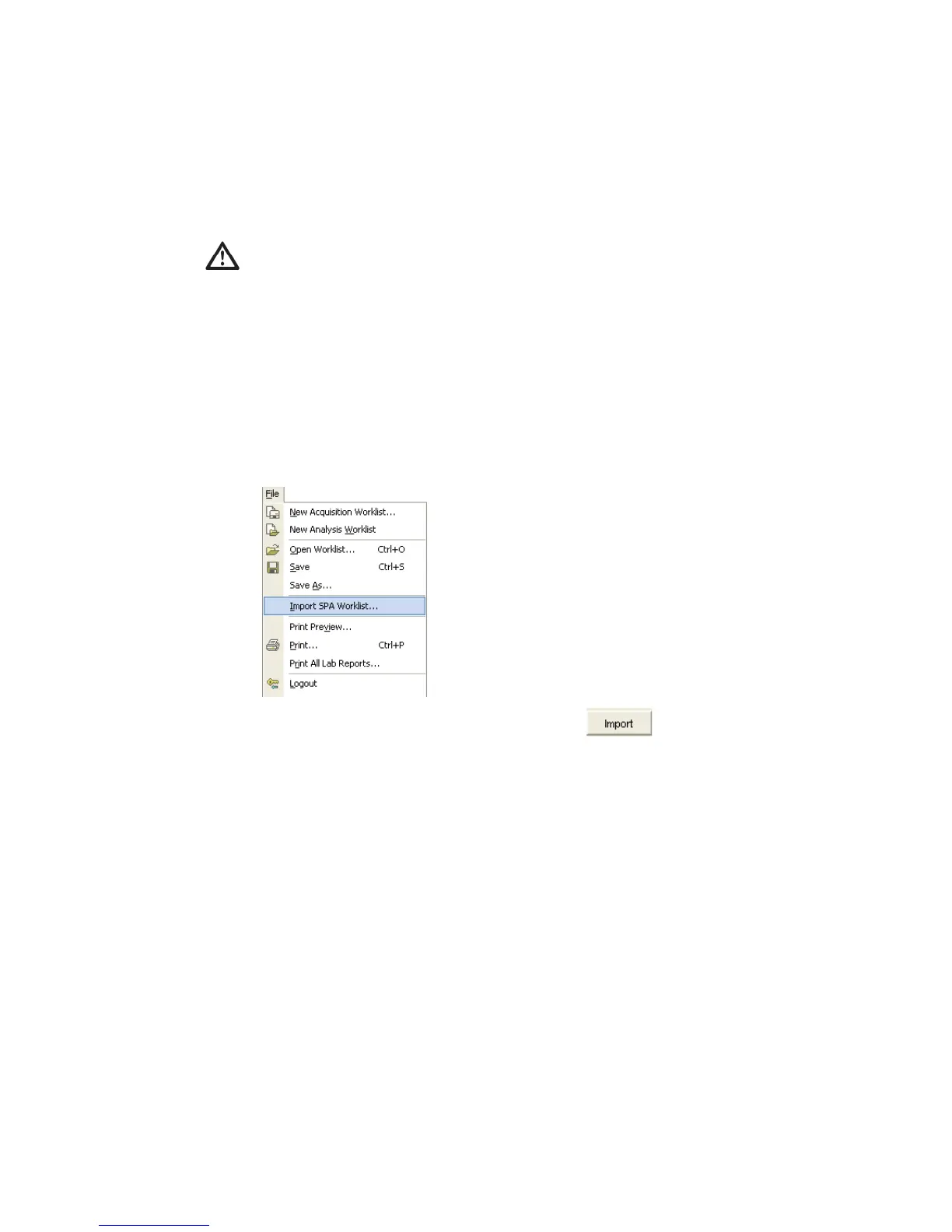
4 Choose File > Import > Worklist.
5 Navigate to and select a worklist, and click .
By default, SPA worklists are stored in Program Files/BDApps/SPA/
DataFiles on the system where Sample Prep Assistant software is installed.
BD FACSDiva software creates a locked experiment that includes all
specimens prepared in the SPA worklist.
To import the worklist, all tube names in the panel template and the panel
template name in BD FACSDiva software must exactly match the tube
names and reagent panel name used to prepare samples in the SPA
software.



 To Next Page