Chapter 8: Using the Loader with BD FACSDiva Software 143
Re-running Tubes or Specimens After Acquisition
1 Choose Carousel > Carousel Setup.
2 In the worklist, change the Carousel ID to None for all specimens that you
want to re-run.
3 Click New Carousel and reassign the carousel rack; click OK to close the
window.
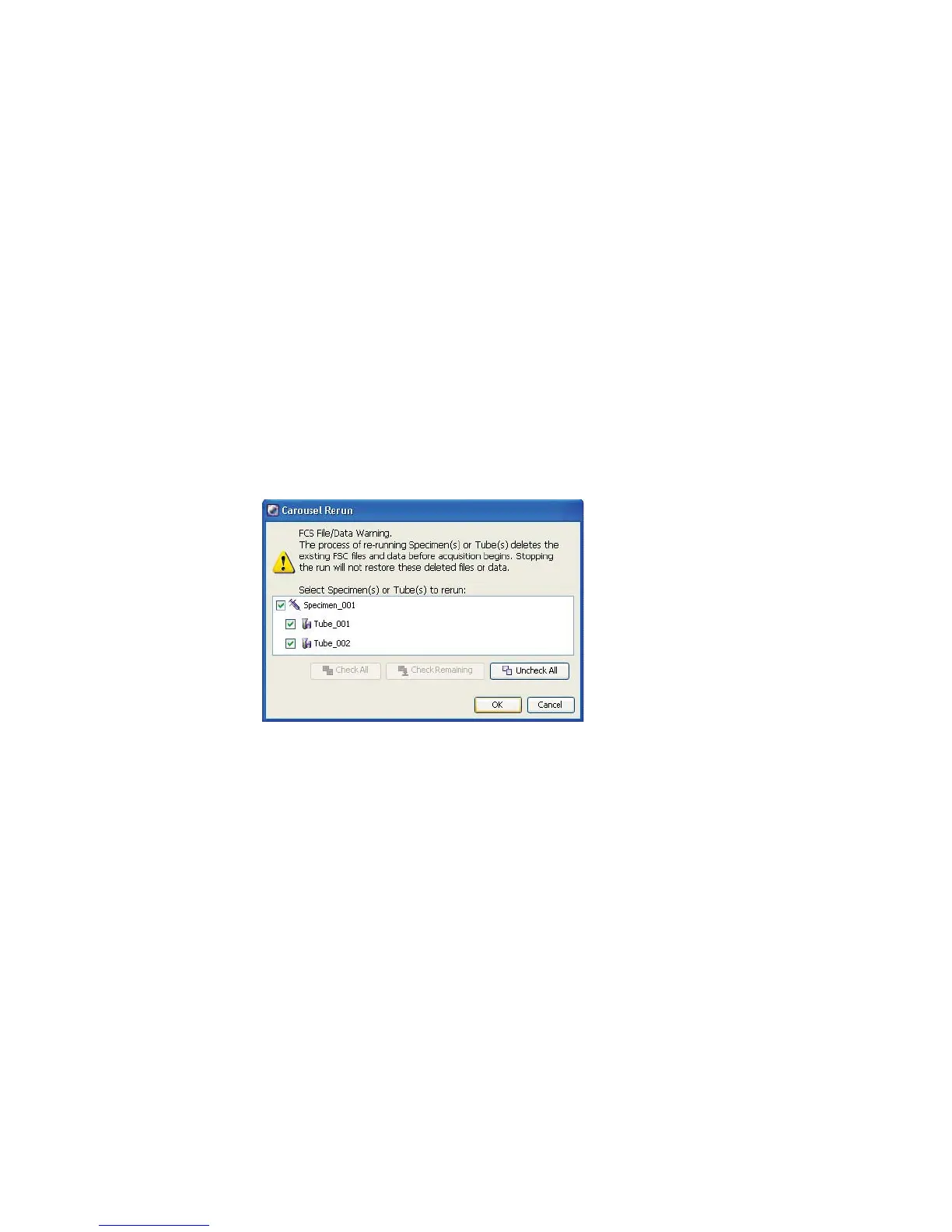
4 Click Run Carousel in Carousel Controls.
5 In the re-run dialog that appears, select the tubes or specimens you want to
re-run; click OK to close the dialog.



 To Next Page