Chapter 5: Cytometer QC and Setup 75
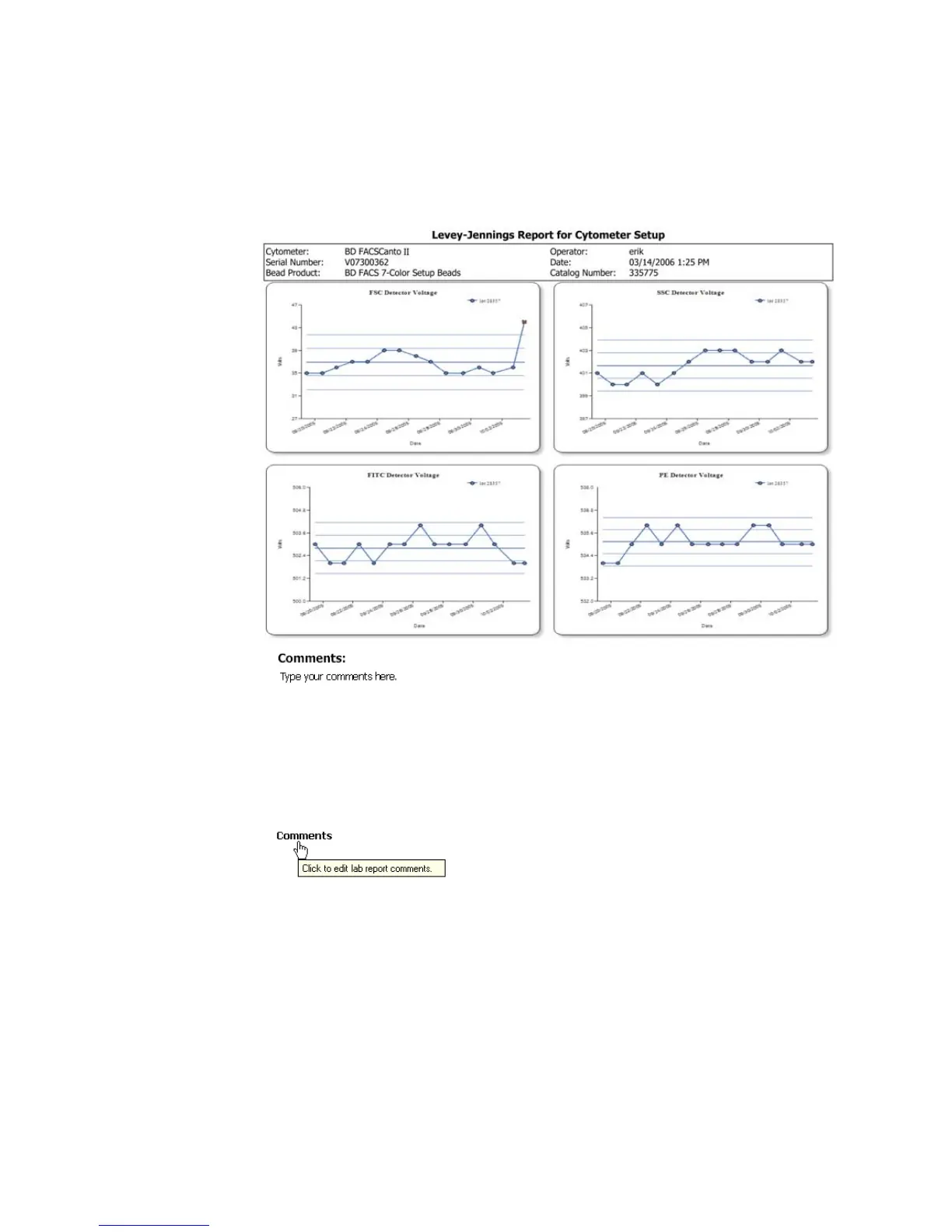
2 Check the plots in the report.
Parameters outside the limits set by the lab manager are shown by a red x
in the affected plot.
3 To add comments to the report, click Comments:
Enter text into the Comments field (up to 2500 characters), and click OK.
See Figure 5-8 on page 76.



 To Next Page