88 BD FACSCanto II Instructions for Use
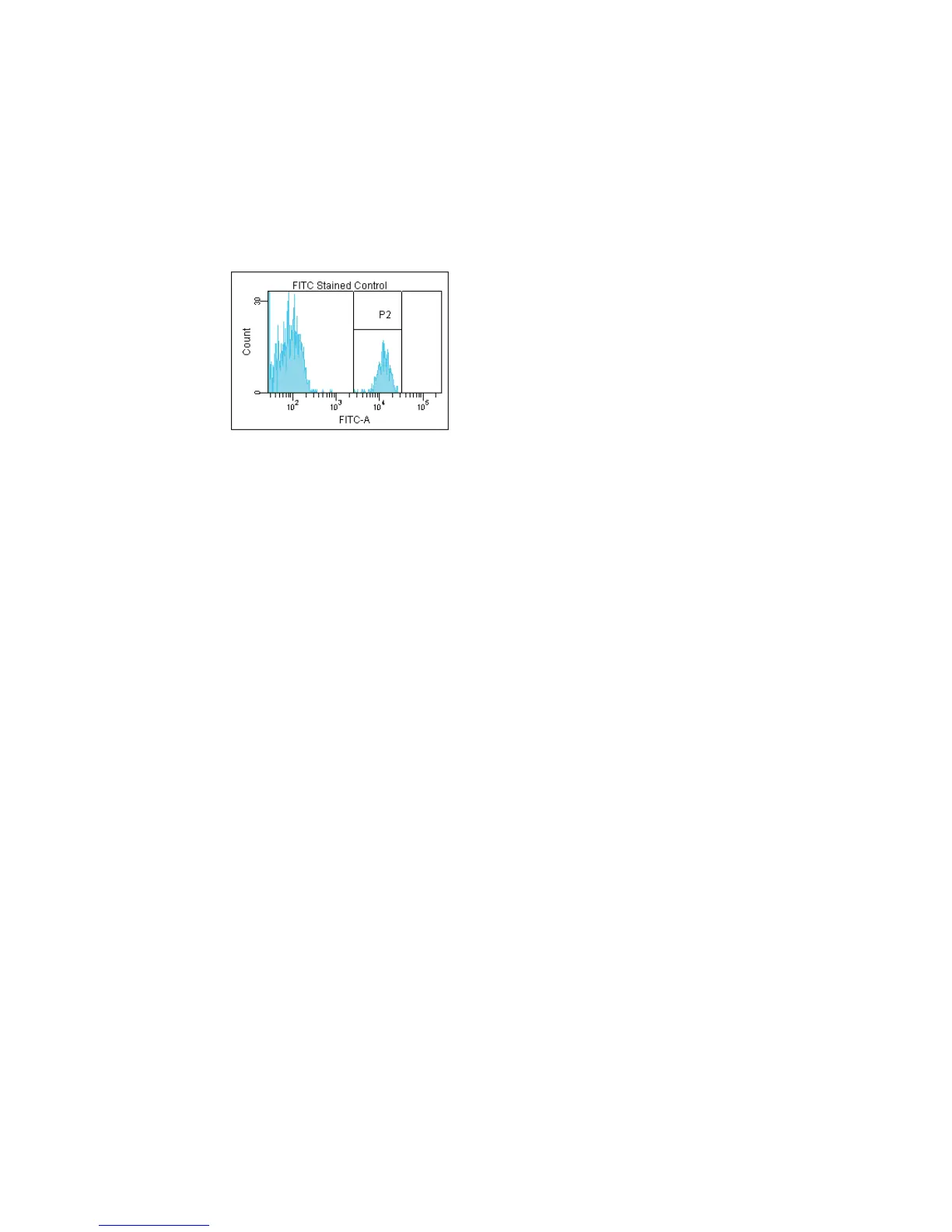
3 If needed, move the P2 gate to encompass the fluorescence-positive
population.
Figure 5-11 Gating the positive population
4 Make sure the current tube pointer is set to the next stained control tube;
double-click the tube in the Browser to locate the corresponding plots on
the normal worksheet.
5 Repeat steps 3 and 4 for the remaining compensation tubes.
Creating a Compensation Matrix
1 Choose Experiment > Compensation Setup > Calculate Compensation.
If the calculation is successful, a dialog appears prompting you for the
name of the compensation setup.
2 Enter a name for the compensation setup, and select either Link and Save
to link the setup to the experiment’s cytometer settings, or Apply Only.
Click OK.
NOTICE BD Biosciences recommends that you confirm the compensation
setup by running a process control before you run samples.



 To Next Page