8-27
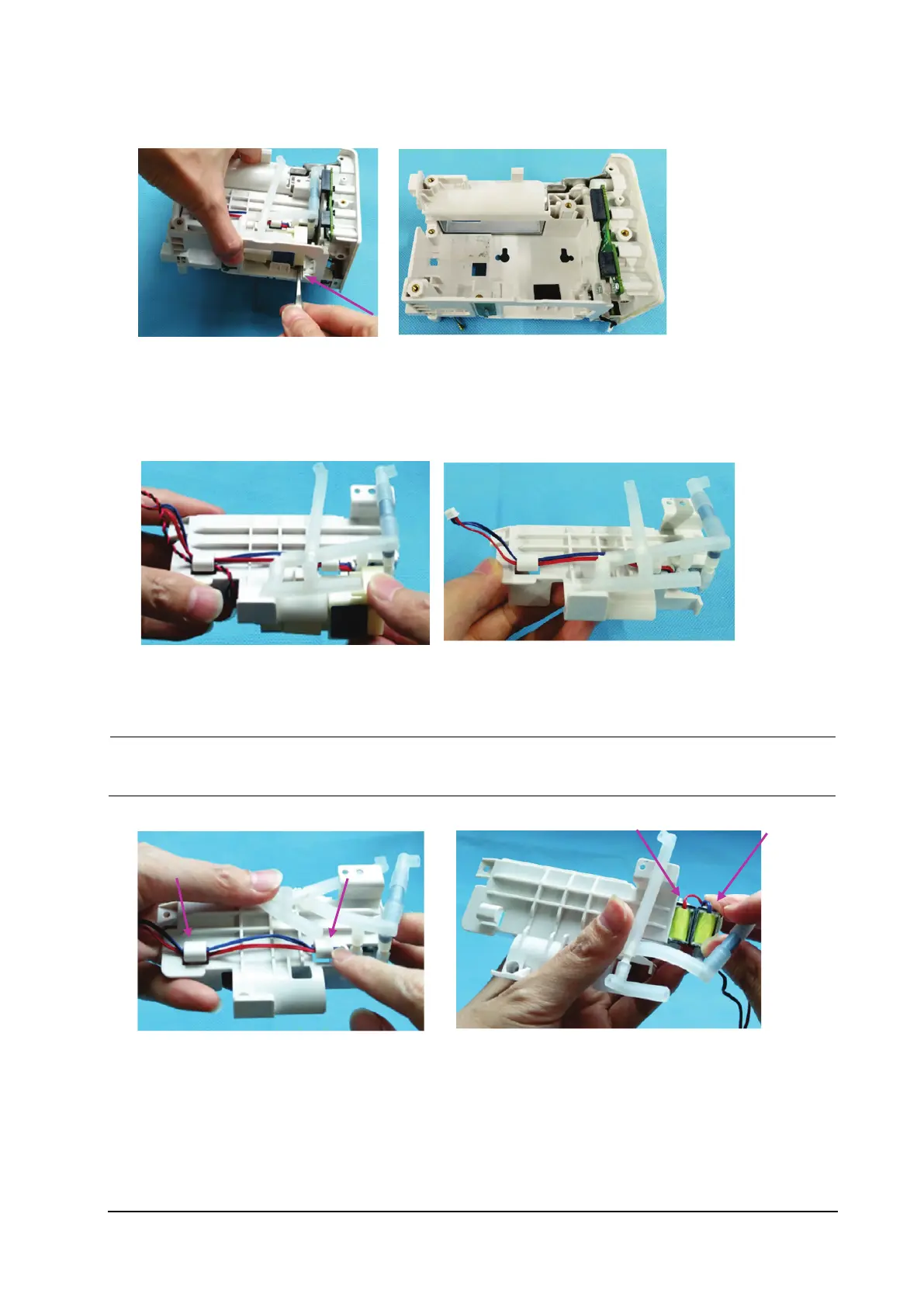
5. Use a pair of tweezers to press the pump head, and remove the secondary battery housing.
8.4.8 Removing the NIBP Pump and Valve
1. Remove the NIBP pump.
2. Loosen the two clamping positions of the NIBP valve cable, and remove the valve.
When reassembling the valve, place the quick release valve of the red cable on the left and the slow
release valve of the blue cable on the right. See the figure below for the specific placement positions.



 To Next Page