8-36
3. Remove the bottom plate.
8.7.2 Removing the Power Adapter
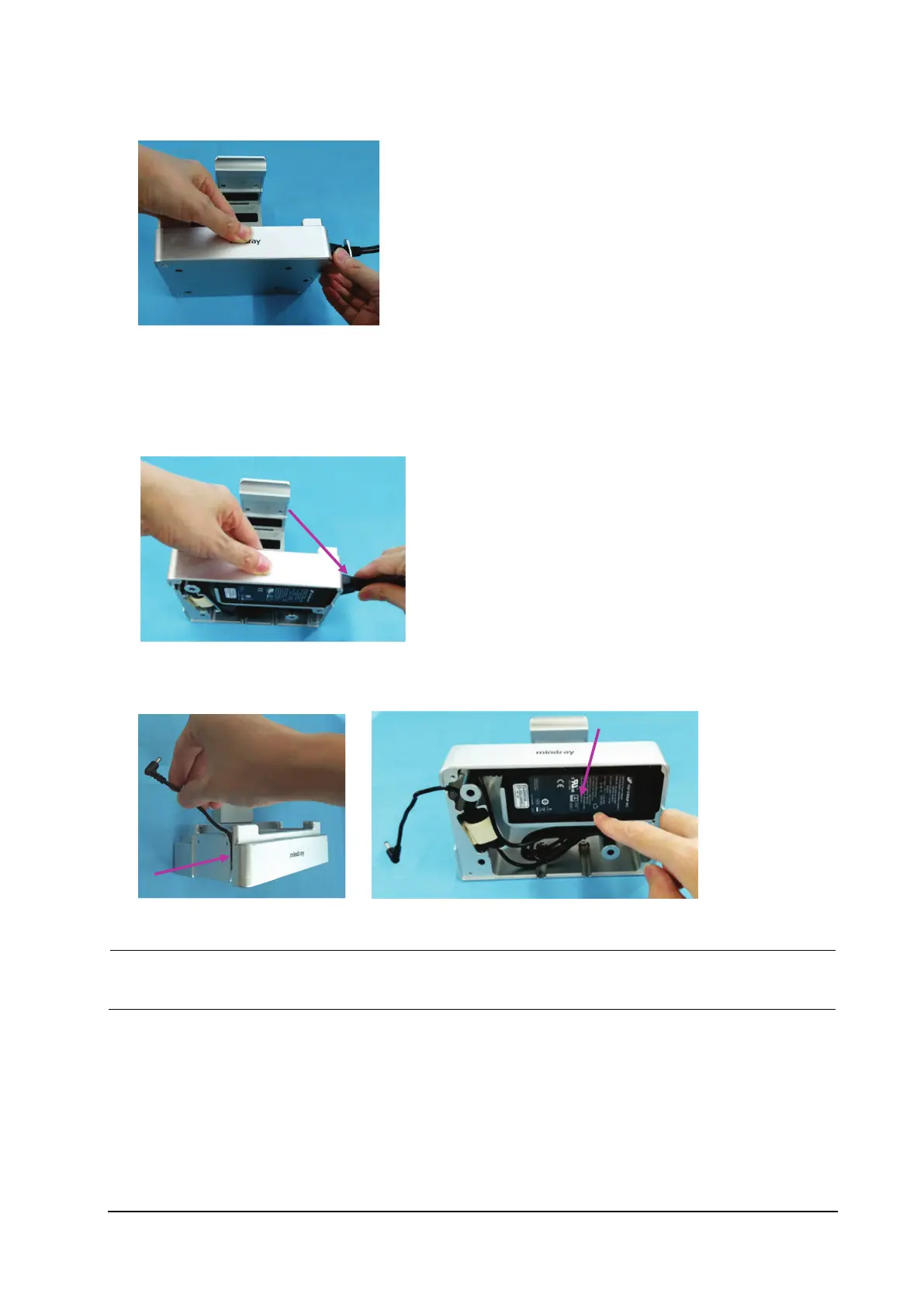
1. Remove the power cable from the power adapter.
2. Loosen the plug on the power adapter.
3. Remove the power adapter.
Before reassembling the adapter, use a ruler to measure the position or refer to the position of the original
adapter, and attach a piece of black foam to the cable. In addition, attach a shockproof pad to the magnet ring.



 To Next Page