8-29
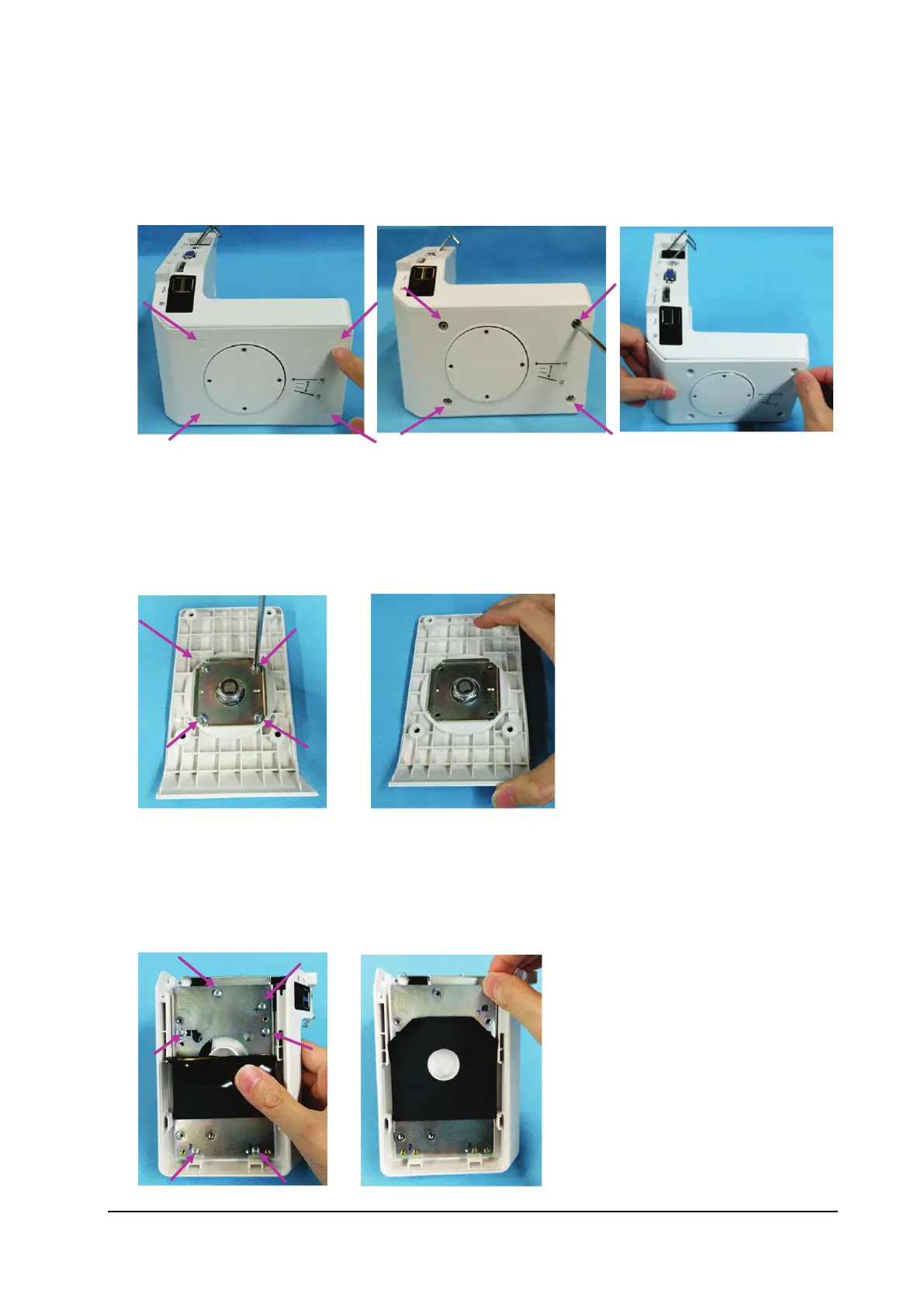
8.5.2 Removing the Right Shell Assembly
1. Remove the four screw covers from the right shell.
2. Remove the four M3×8 screws from the right shell.
3. Remove the right shell module.
8.5.3 Removing the Rotatable Plate
1. Remove the four M3×8 screws with pad from the rotatable plate.
2. Remove the rotatable plate.
8.5.4 Removing the Transition Board
1. Remove the six M3×6 screws from the transition board.
2. Remove the transition board plate.



 To Next Page