3-10
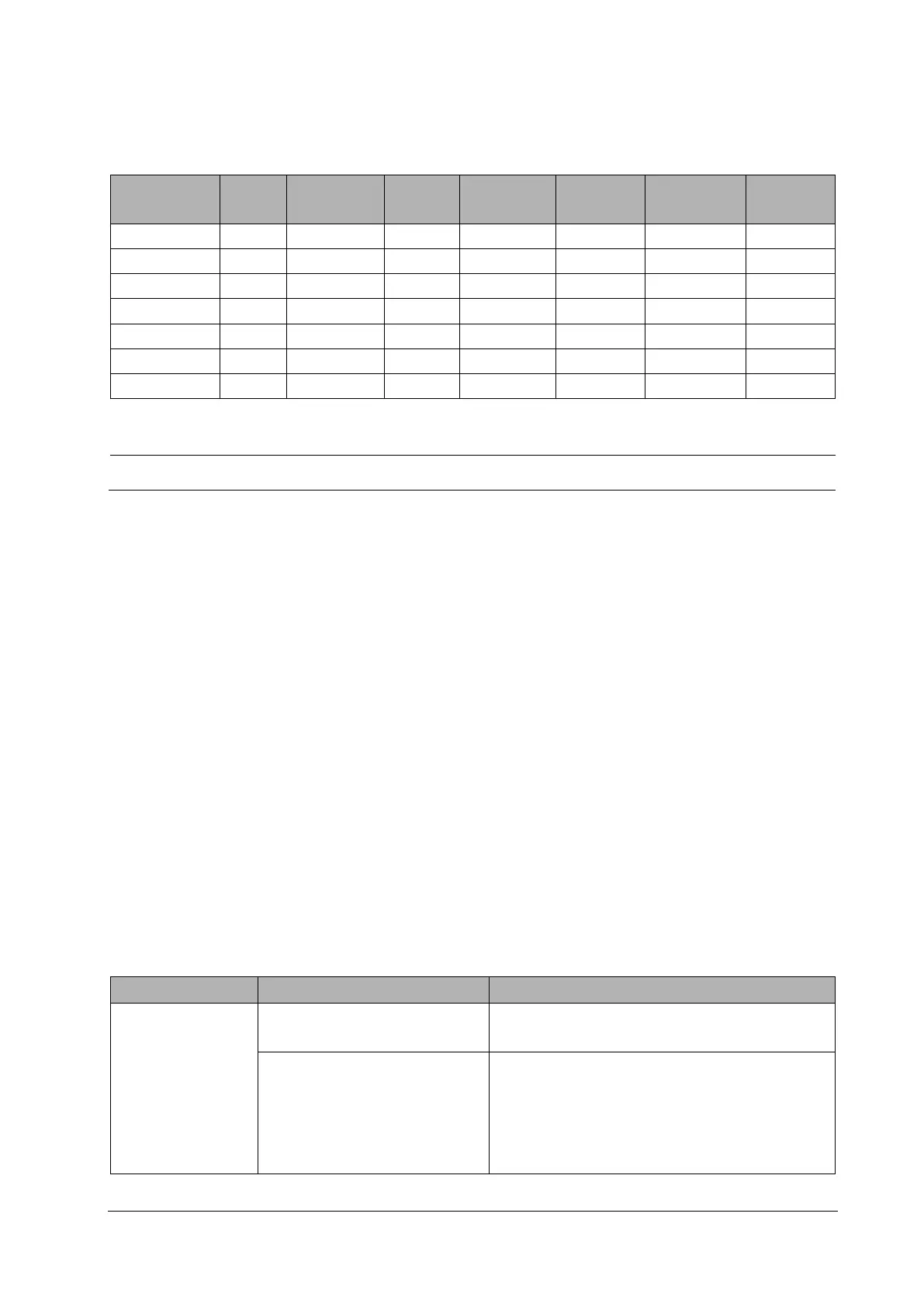
When you select the EAP authentication method, the system displays the corresponding configuration items. The
following table lists the configuration items of different EAP methods.
Identity Anonymous Password
CA
Certificate
User
Certificate
PAC
Certificate
PAC
Password
PEAP-MSCHAPV2 Y O Y Y N N N
PEAP-GTC Y O Y Y N N N
PEAP-TLS Y O Y Y Y N N
TTLS Y O Y Y N N N
TLS Y N Y Y Y N N
FAST Y O Y N N Y Y
LEAP Y N Y N N N N
NOTE
Y means "Yes", N means "No," and "O" means "Optional".
The following describes the meaning of each configuration item:
Phase2 Auth: When PEAP in the EAP method is selected, the user can configure the following PEAP internal
methods: EAP-MSCHAPV2, EAP-GTC, and EAP-TLS.
Identity: user identity, which is the user name in AD, LDAP or local user management on the RADIUS server.
Anonymous: This item does not affect the authentication process. It is used to hide the real name (identity).
Password: password of the identity.
CA Certificate: Select the CA certificate from the imported certificates.
User Certificate: Select the user certificate from the imported certificates.
PAC Certificate: Select the PAC certificate from the imported certificates when EAP-FAST is selected. If the RADIUS
server supports PAC preparation in the band and PAC is prepared for the customer, it is not required to set the PAC
certificate and password.
PAC password: Enter the PAC password for the PAC certificate when EAP-FAST is selected. If the RADIUS server
supports PAC preparation in the band and PAC is prepared for the customer, it is not required to set the PAC
certificate and password.
3.8 Troubleshooting
Symptom Possible Cause Recommended Measures
The patient monitor
cannot be connected to
the AP, and the Wi-Fi
signal icon on the patient
monitor displays X.
The nearby AP is not turned on. Ensure that the AP has been turned on and belongs to the VLAN
where the patient monitor is.
The patient monitor is not turned on in
the AP coverage area.
Move the patient monitor to the AP coverage area and then turn
it on. Make sure that the RSSI value displayed on the patient
monitor is greater than -65 dBm.
Make sure that the co-channel interference complies with the
requirements.



 To Next Page