6-2
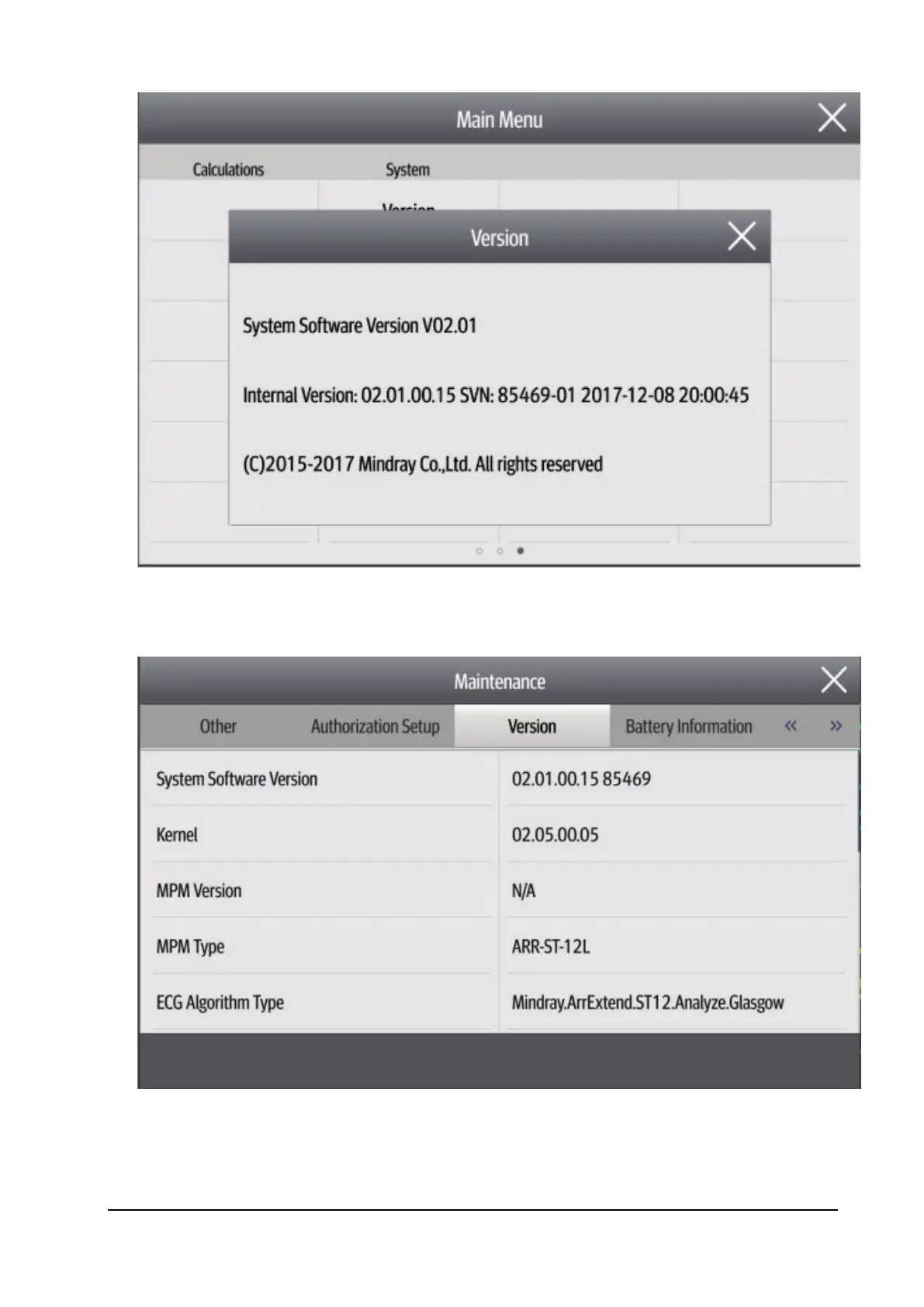
2. Select Main Menu→Maintenance>>→ enter the user maintenance password →Version >>. In the displayed
menu, you can check the version information of the system software and modules.
6.4 Technical Alarm Check
Before troubleshooting the monitor, check whether the monitor displays technical alarm information. If yes, eliminate
the technical alarm first.



 To Next Page