7-9
upper limit cannot be exceeded. You can use the up, down, left and right keys to switch and select the required
upgrade package.
Tap on the touchscreen or press the arrow key on the keyboard to switch the upgrade program
downward.
Tap on the touchscreen or press the arrow key on the keyboard to switch the upgrade program
upward.
Tap on the touchscreen or press the arrow key on the keyboard to switch the upgrade program
leftward.
Tap on the touchscreen or press the arrow key on the keyboard to switch the upgrade program
rightward.
Tap on the touchscreen or press the Enter key on the keyboard to confirm the selected upgrade
program.
7.2.3.5 Completing Upgrade
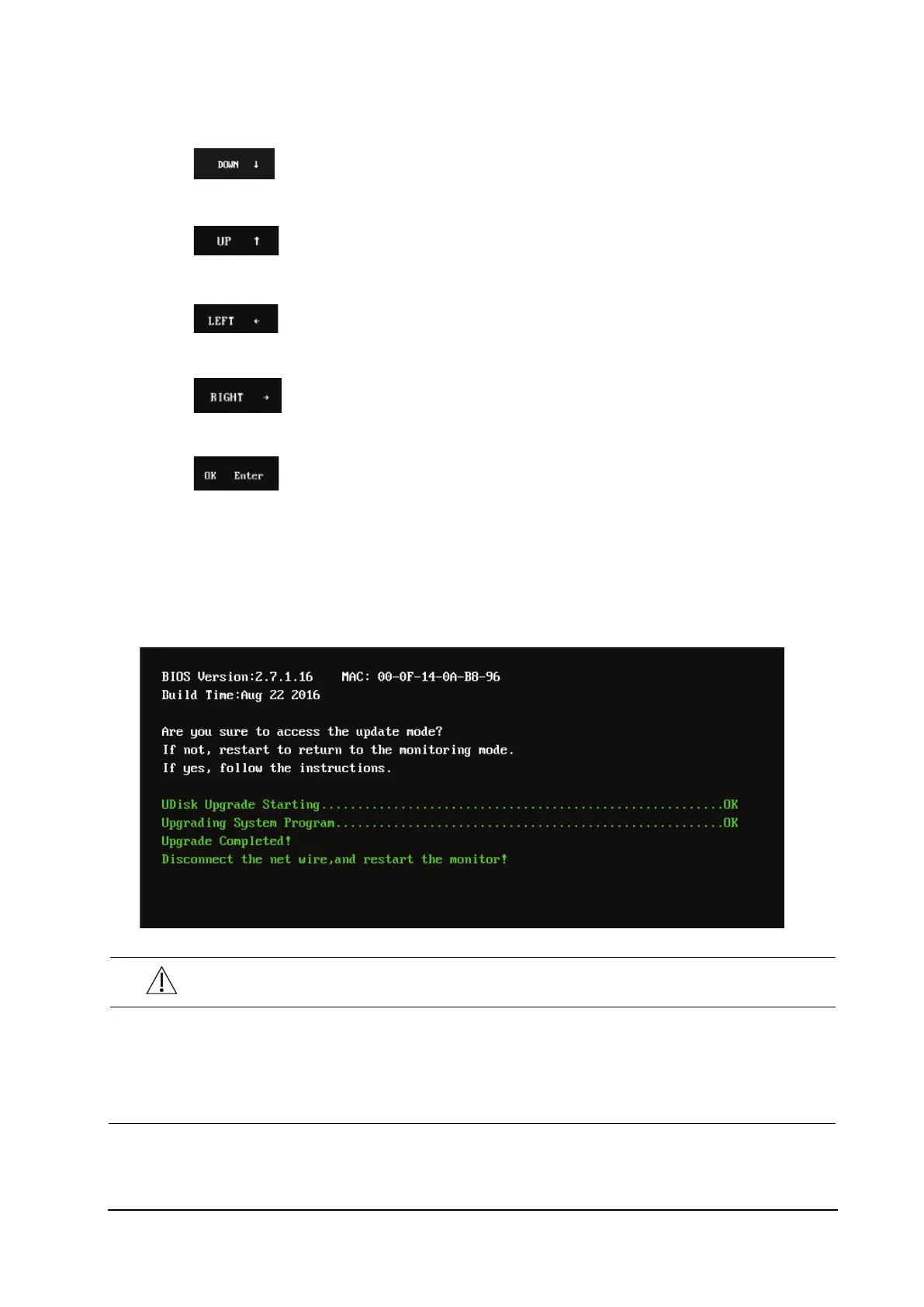
When the interface below is displayed, the current upgrade is completed. The upgrade takes effect after the monitor is
restarted.
CAUTION
Disconnect the monitor from the patient and make sure that important data are saved before upgrade.
Do not shut down or power off the monitor when upgrading the BIOS program. Otherwise, the monitor
may break down.
Program upgrade can be performed only by qualified service personnel.



 To Next Page