7-4
7.2.1 Description of Network Upgrade Tool
7.2.1.1 Tool Software Installation Method
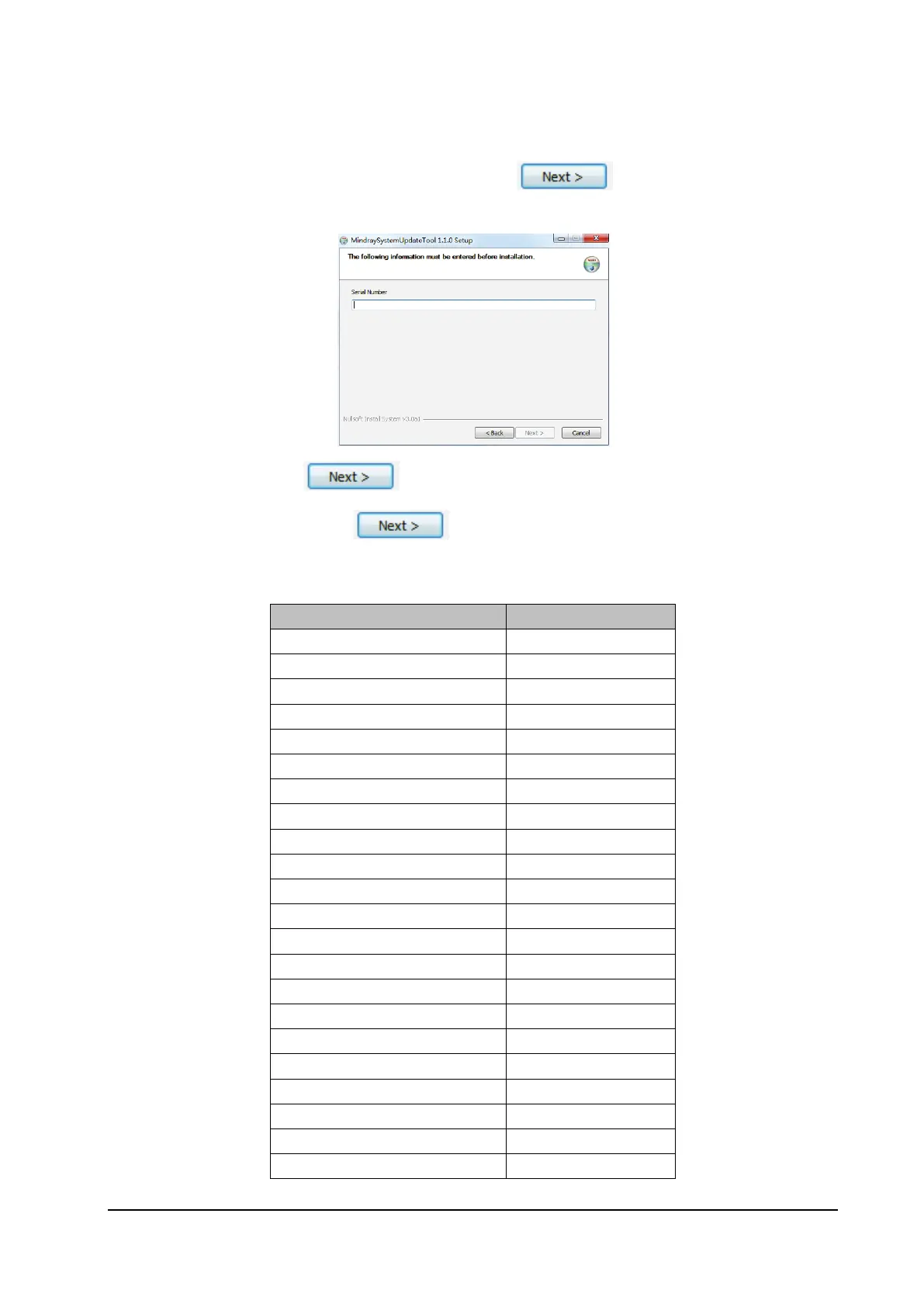
1. Click the executive program "SystemUpdateTool.exe". Click to enter the interface for entering
the SN.
2. Enter the SN, and click to enter program installation location interface. Select the corresponding
folder for installation, and click as instructed to complete the installation.
Appendix: Reference Table of Multiple Languages:
Language (English) Remarks
ENGLISH /
SIM.CHINESE /
FRENCH /
GERMAN /
ITALIAN /
POLISH /
SPANISH /
PORTUGUESE /
RUSSIAN /
CZECH /
TURKISH /
HUNGARIAN /
Danish /
Dutch /
Finnish /
Norwegian /
Swedish /
Romanian /
Serbian /
GREEK /
TRA.CHINESE /
Japanese /



 To Next Page