5-17
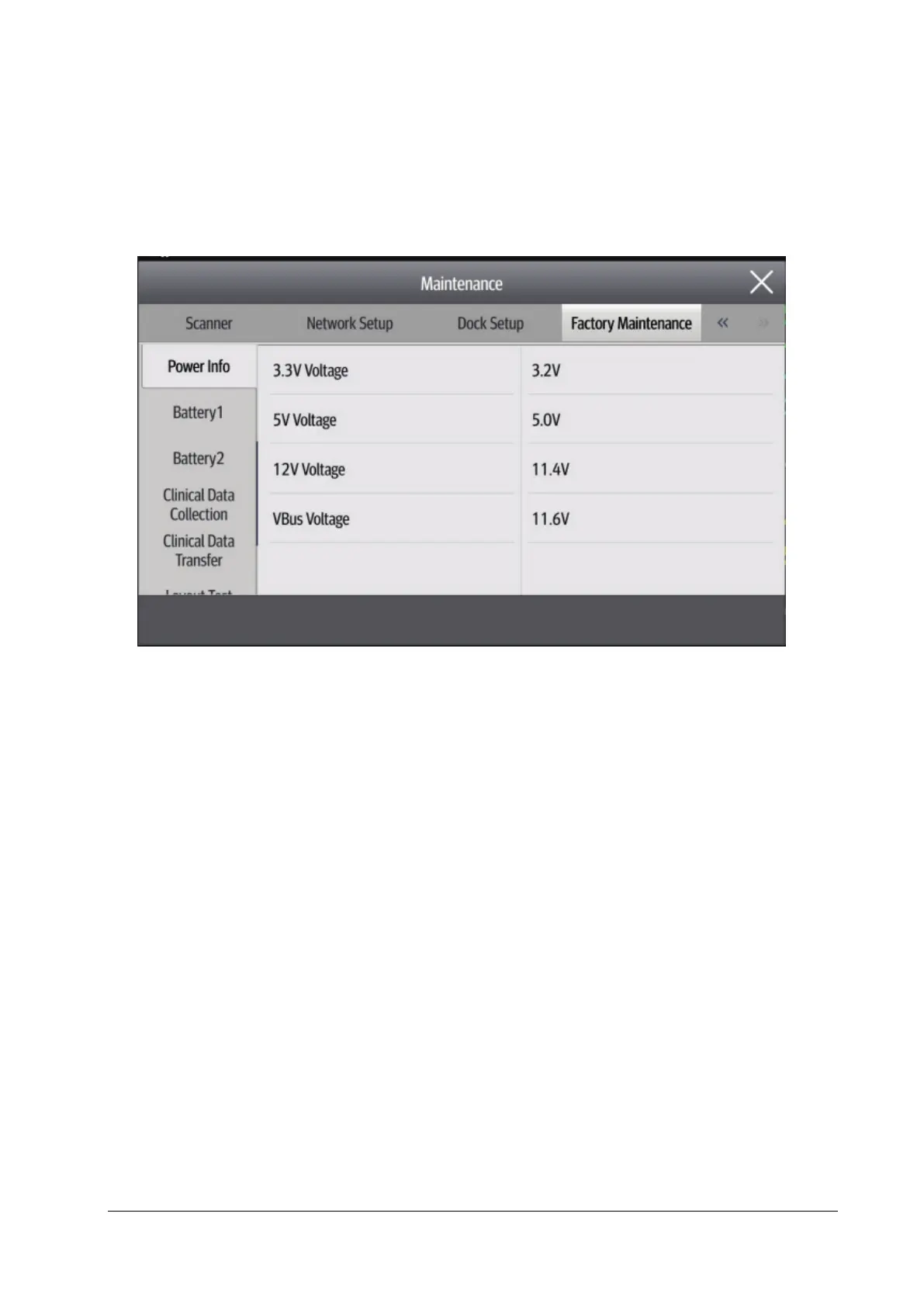
5.9 Factory Maintenance
5.9.1 Accessing Factory Maintenance Menu
Select the Main Menu quick key →go to the third page → select Maintenance from the System column →enter the
factory maintenance password → select OK→ select Factory Maintenance.
5.9.2 Monitor Information (Log Export)
Note: Ensure that N1 is installed on the Dock.
Make sure the file format of the USB drive is FAT32. Then insert the USB drive into the USB port on the Dock.
Access the Monitor Information menu. Then you can view the monitor host related information, such as Wi-Fi signal
strength, screen brightness, and hard drive capacity.
Click Export Log in the lower left corner to export all monitor log information.



 To Next Page