8-32
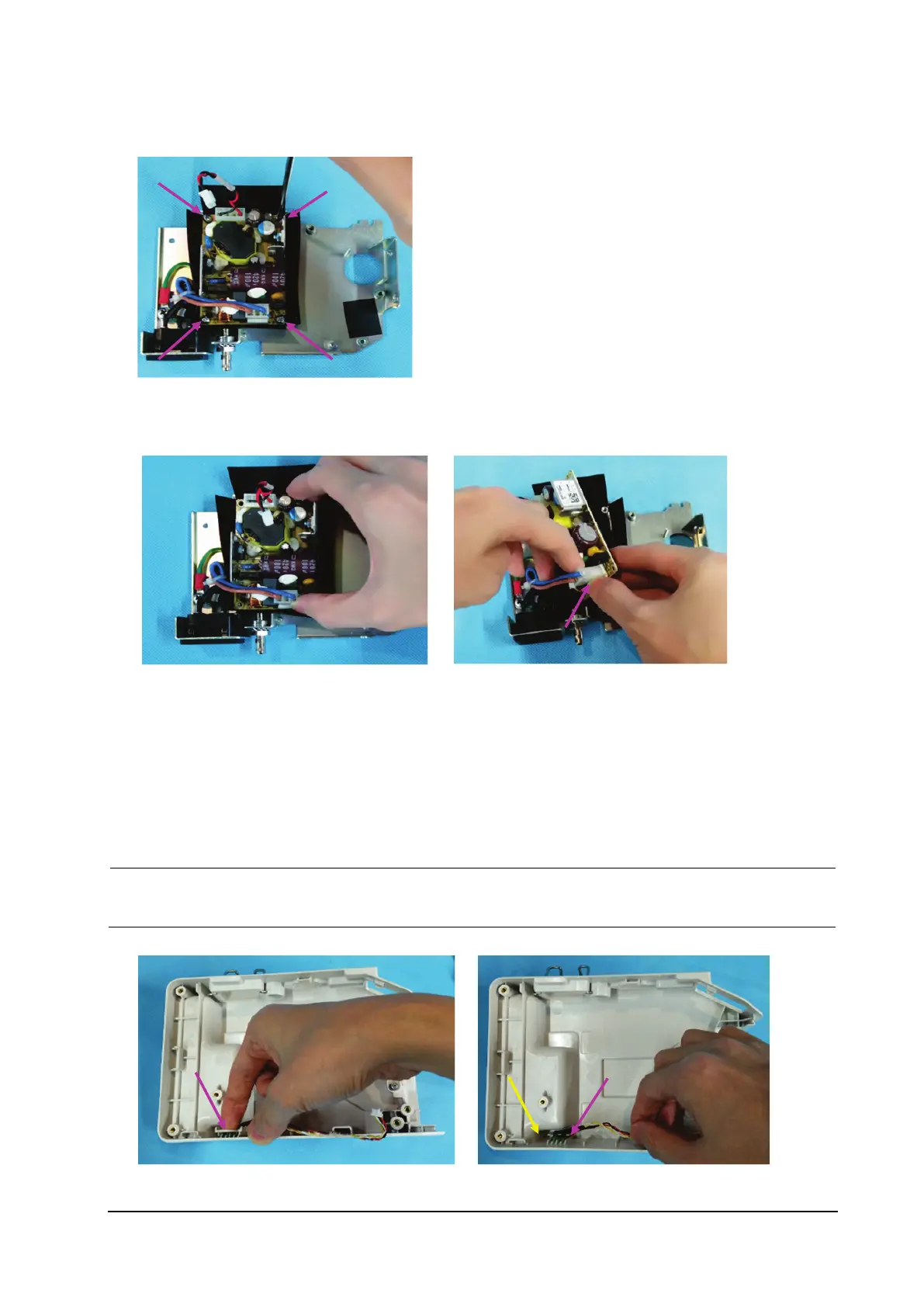
4. Remove the four M3×6 screws from the power board.
5. Remove the power board.
6. Loosen the latch on the power outlet, and remove the power connection cable.
8.5.7 Removing the LED Indicator
1. Remove the LED bracket.
2. Remove the LED indicator.
During reassembly, the indicator with the yellow cable is installed on the left, and the indicator with the
red cable is installed on the right.



 To Next Page