8-9
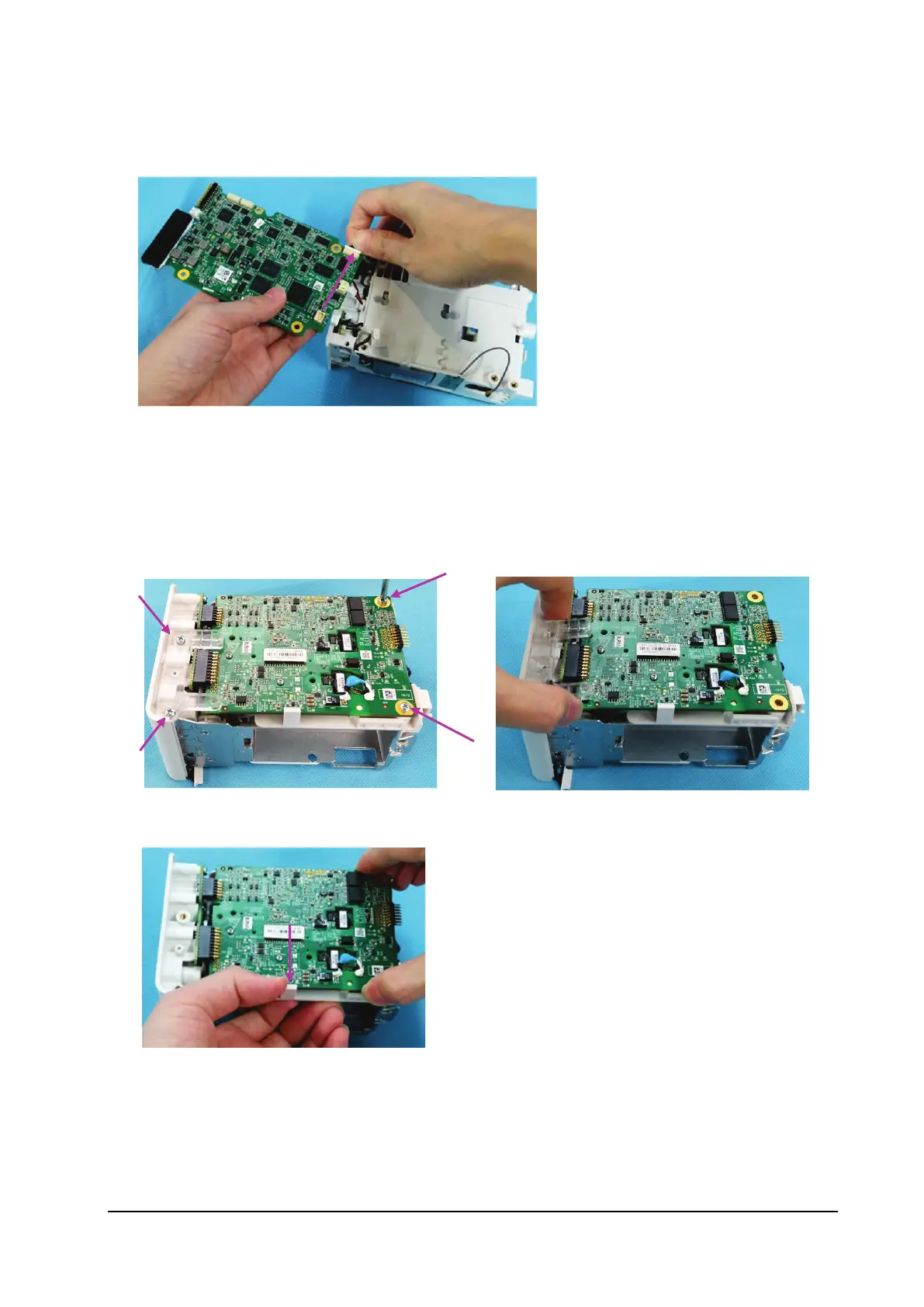
7. Loosen the connection cable of the analog output (when the N1 main unit is configured with analog output), and
remove the main board.
8.3.6 Removing the Parameter Board
1. Loosen the four M3×5 screws fixing the main board.
2. Remove the block fixing the parameter board.
3. Use one hand to loosen the latch and the other to take the parameter board.



 To Next Page