5-2
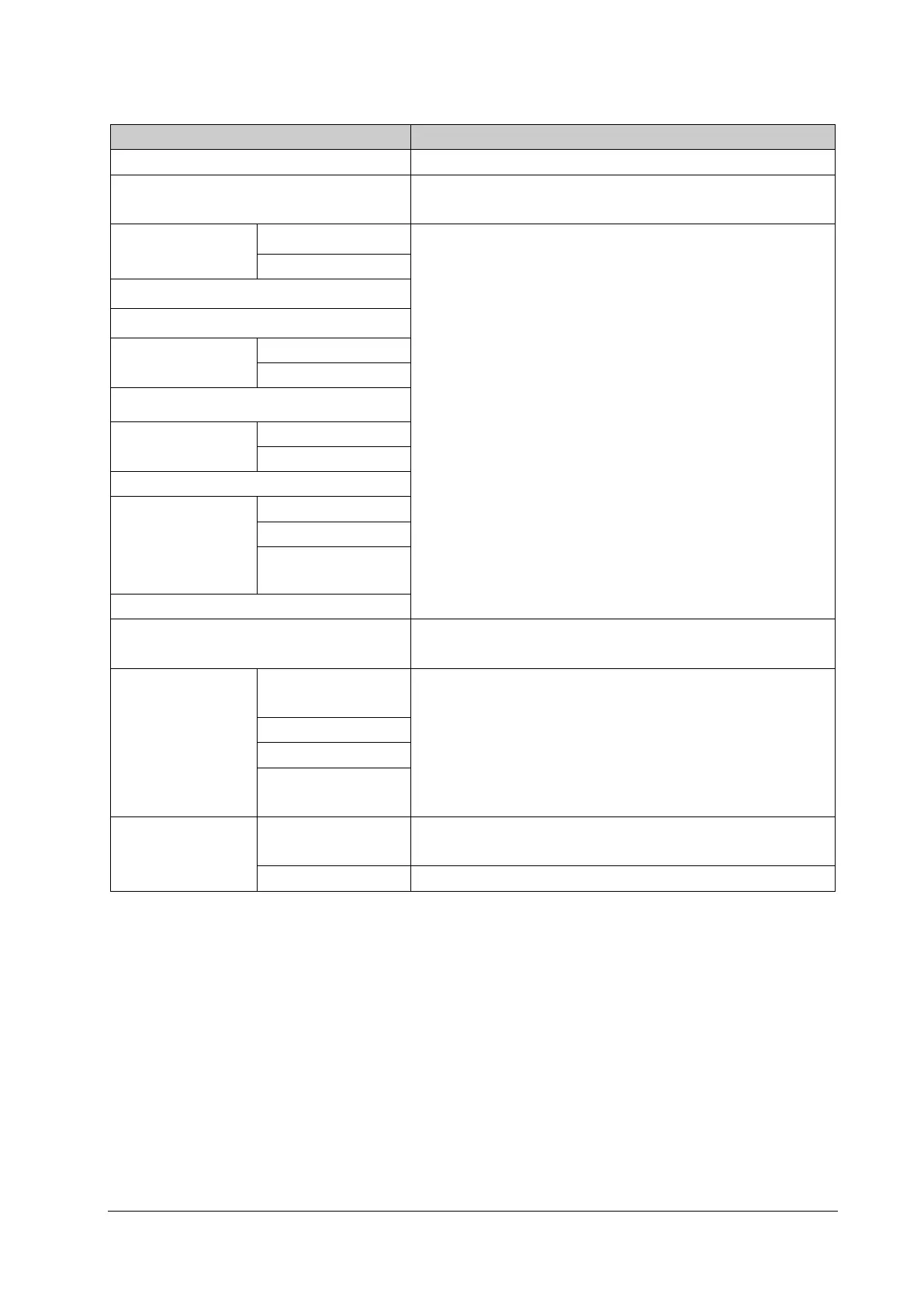
5.1.4 Recommended Frequency
Check/Maintenance Item Frequency
Visual inspection 1. When the monitor is installed for the first time or is reinstalled.
Power-on test 1. When the monitor is installed for the first time or is reinstalled.
2. Following any repair or parts replacement.
EGG test and
calibration
Performance test 1. When the user suspects that the measurement is incorrect.
2. Following any repair or replacement of the relevant module.
3. At least once every two years.
Note: Perform CO
2
module tests at least once a year.
Module calibration
Resp performance test
SpO
2
test
NIBP tests and
calibration
NIBP accuracy test
NIBP leakage test
Temp test
IBP test and
calibration
Performance test
Pressure calibration
Mainstream CO
2
module test
Sidestream and
microstream CO
2
modules tests and
calibration
Leakage test
Performance test
Module calibration
PiCCO test
Analog output test When the user suspects that the analog output does not function
well.
Electrical safety tests Enclosure leakage
current test
1. Following any repair or replacement of the power module.
2. When the monitor is dropped.
3. At least once every two years or as required.
Earth leakage test
Patient leakage current
Patient auxiliary
current
Battery check Functionality test 1. When the monitor is installed for the first time.
2. After the battery is replaced.
Performance test Once a year or when the battery runtime reduces significantly.
5.2 Preventative Maintenance
5.2.1 Visual Inspection
Inspect the monitor for obvious damage. The test is passed if the monitor has no obvious damage. Follow these
guidelines when inspecting the monitor:
Carefully inspect the enclosure, display, buttons, and knob for obvious damage.
Inspect the power cord and module accessories for obvious damage.
Inspect all external connections for loose connectors, bent pins or frayed cables.
Inspect all connectors on the monitor for loose connectors or bent pins.
Make sure that safety labels and data plates on the monitor are clearly legible.



 To Next Page