8-31
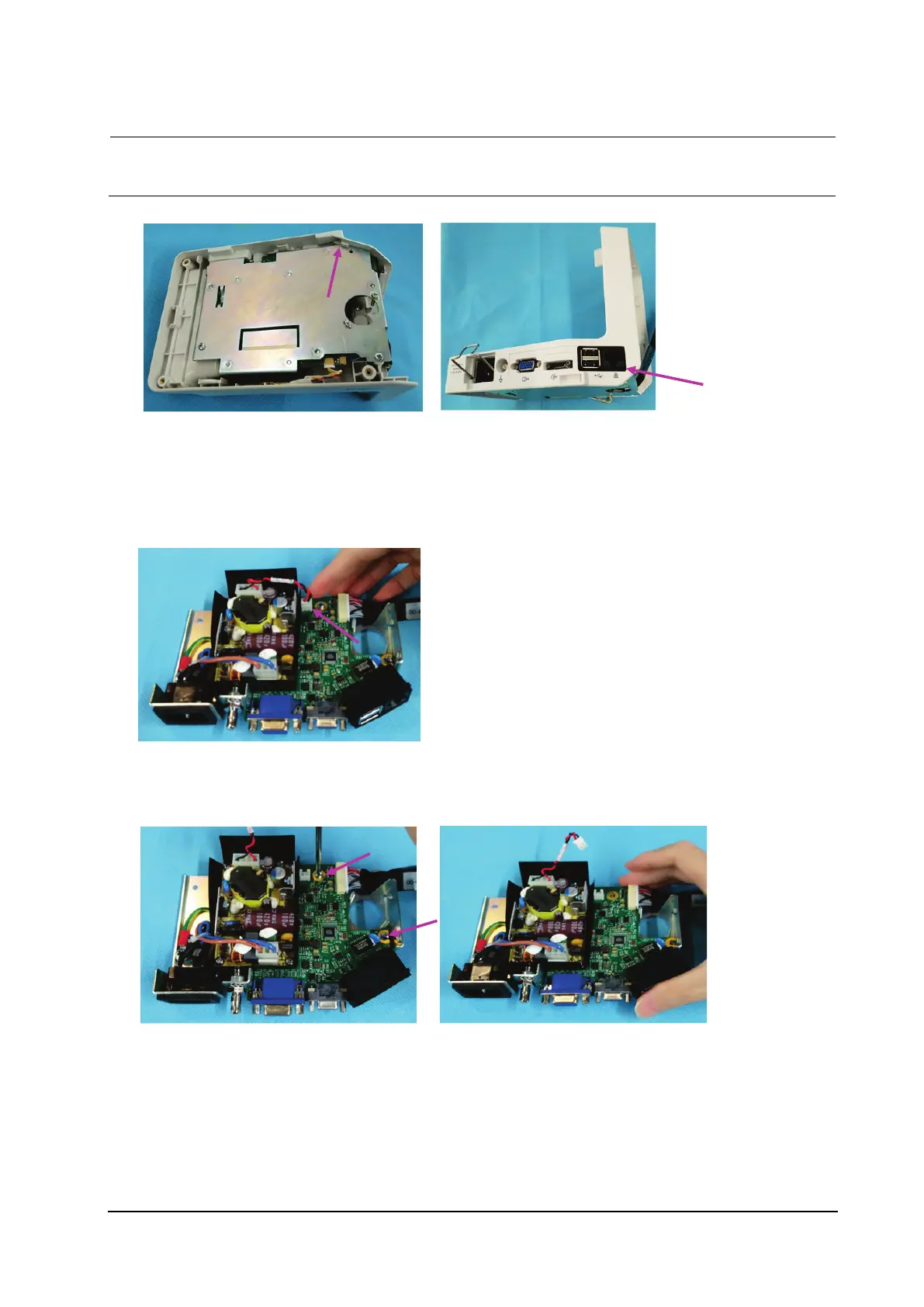
During reassembly, the sheet metal of the port module is clamped on the latch as shown below. Be sure
to properly assemble the silicone cover of the network cable connector.
8.5.6 Removing the Interface Board and Power Board
1. Remove the plug wire from the interface board.
2. Loosen the two M3×6 screws from the interface board.
3. Remove the interface board.



 To Next Page