8-19
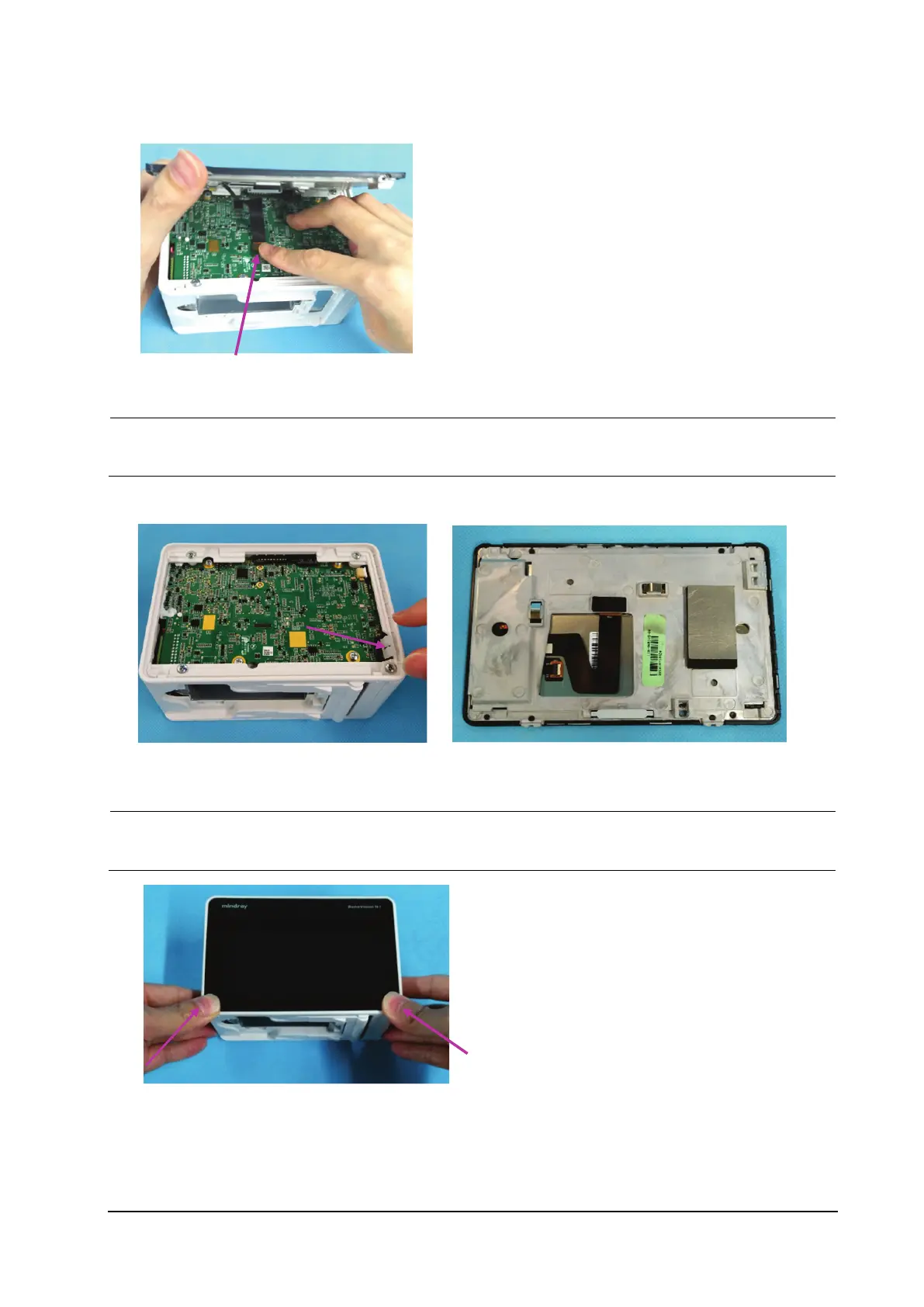
4. Use one hand to hold the display assembly as shown below, and the other to loosen the FPC plug wire on the
display assembly, and remove the display assembly.
If the light pipe of theindicator is released after the display assembly is removed, install the light pipe at
the position shown in the figure below.
When assembling the display assembly, press the two corners shown in the figure below, and press the
display assembly into the rear housing.



 To Next Page