5.3 Screen setup
Device description
5284 / 08/2023 enBENNING ST 755+ / ST 760+24
Symbol Designation Description
Menu Displayed in the “Automatic”menu.
Tapping the button opens the main
menu of the “Smartmenu”.
- Menu designation The menu designation of the currently
opened menu is displayed on the left in
the header.
Table3: General symbols and buttons in the header
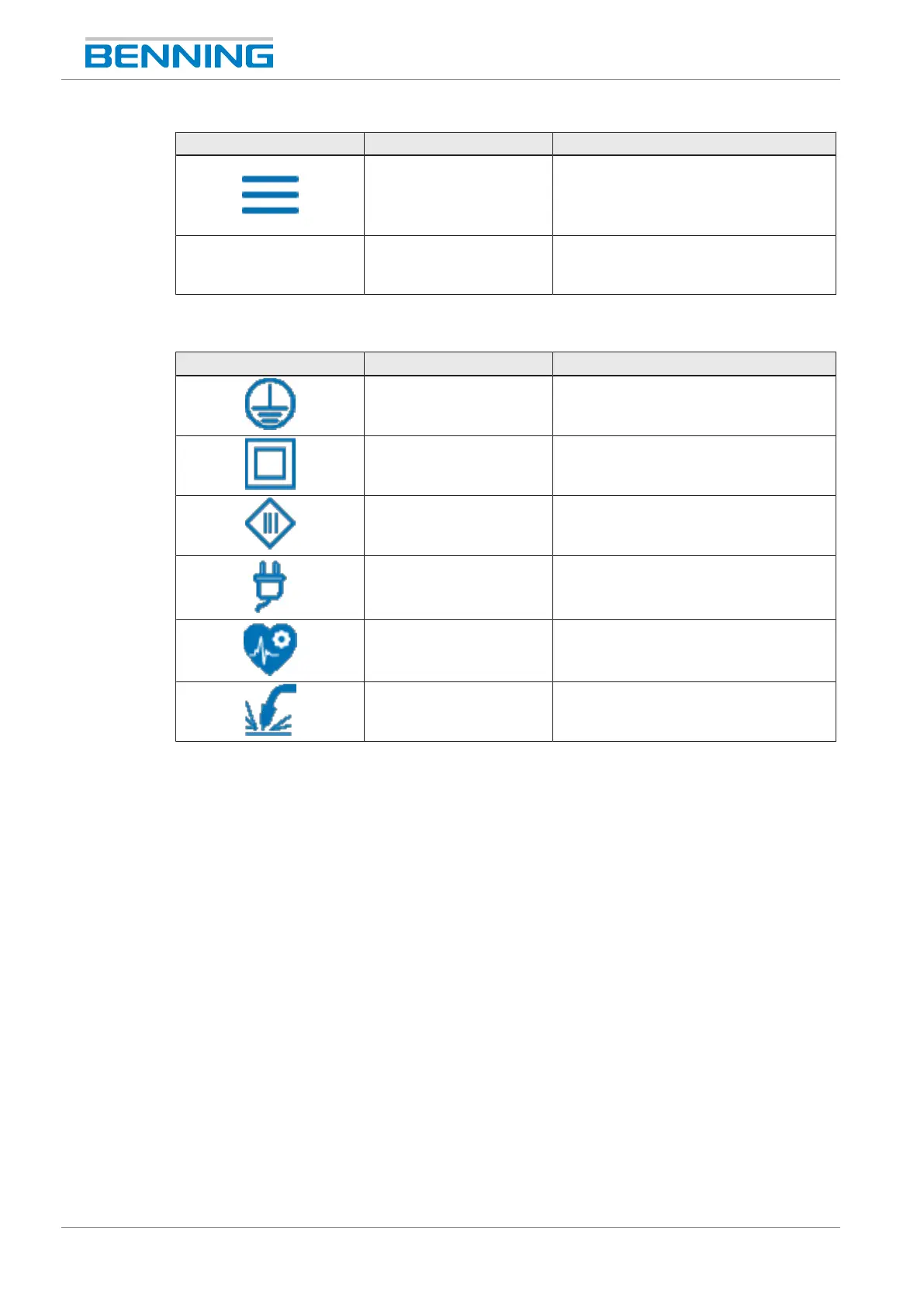
Symbols for test sample and protection class:
Symbol Designation Description
ClassI Protection class1
ClassII Protection class2
ClassIII Protection class3
- Test sample acc. to VDE0701/ 0702
- Test sample acc. to VDE0751‑1
- Test sample acc. to VDE0544‑4
Table4: Symbols for test sample and protection class in the header
Footer
Various pieces of information and buttons are displayed in the footer. Footer content:
• Date and time
• Buttons for operation [}page28]
• Version number (GUI)
• Device type



 To Next Page