6.6 Operating the test view
General operation
5284 / 08/2023 enBENNING ST 755+ / ST 760+32
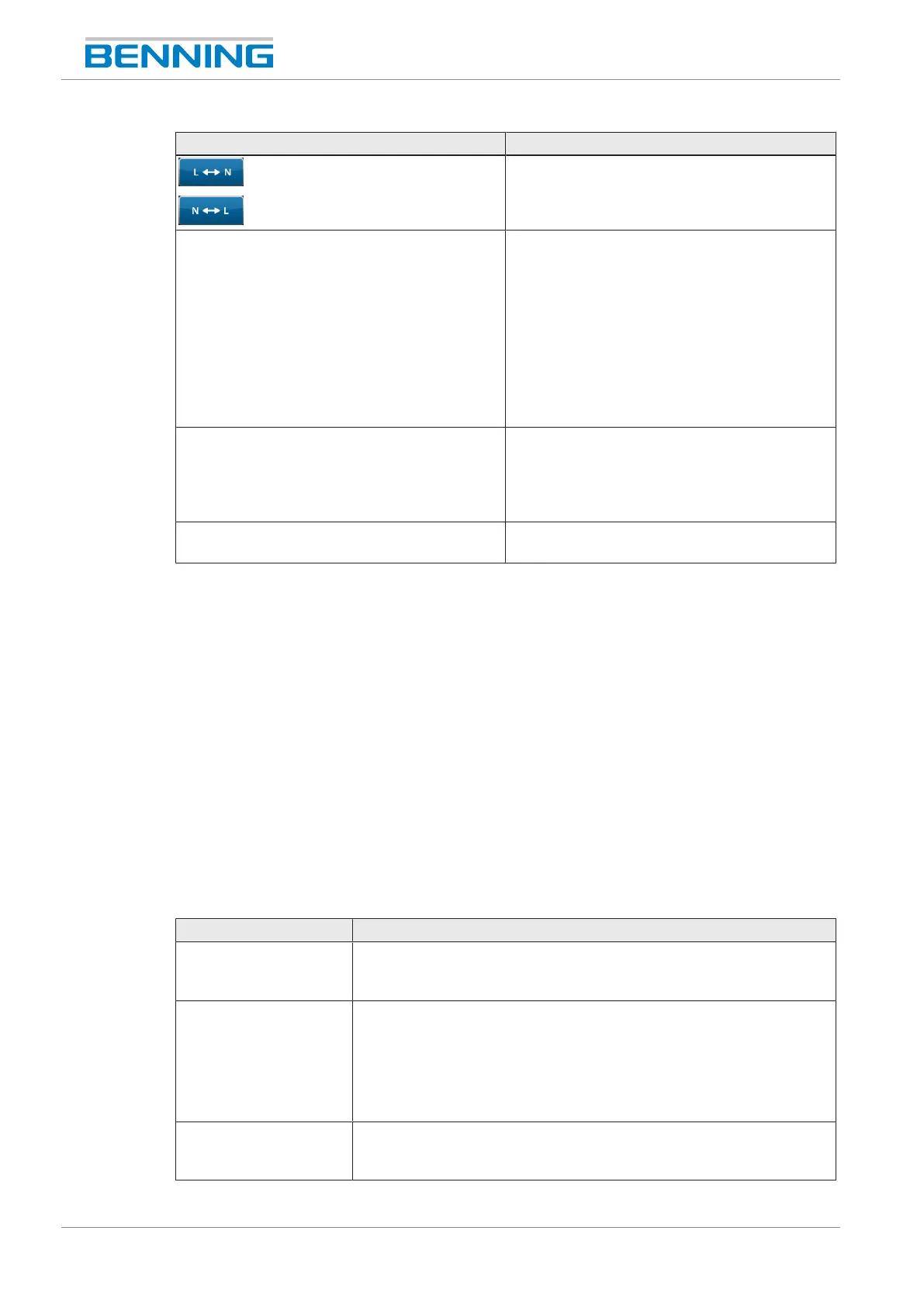
Button Description
For reversing the polarity of the test voltage
during manual individual tests.
Cable (On/Off) Is enabled for the detection of defects on
cables/ mains connection cables.
ON= The protective conductor is continuously
checked for cable breaks. For this test step,
the “RPE test repetition” [}page56] setting is
temporarily switched off.
OFF= The continuous check for cable breaks
of the protective conductor is switched off. For
this test step, the “RPE test repetition” setting
remains switched on.
Offset (On/Off) Enables/ disables the offset by means of a
measuring adapter during the test. To do this,
specify the internal resistance of the measuring
adapter under: “Settings>System
settings>RPE resist. test adapter”
Done Completes the test and goes to the "Test
result" test report.
Table11: Test view buttons
Eliminating measuring errors
If a measured value is outside the set limits, it will be displayed in red font. In this case, the test
sample will not pass the test.
1. Establish a proper connection between the test probe and the contact point of the test
sample.
2. Tap the "Reset" button while the measurement is active or running.
The maximum value will be overwritten by the currently measured value.
If the measured value is lower than the defined limit, the test is passed.
Test report "Test result"
At the end of a test procedure, the test result is displayed in the form of a test report. Fill in the
following information:
Setting options Description
Device
*Manual test
Select the test sample:
Tap the right side of the “Change” line to select the test sample from
the database or to create a new test sample.
Test type Select the test type:
• Periodic testing (VDE0702)
• Test after modification (VDE0701)
• Test after repair (VDE0701)
• Receiving inspection (VDE0702)
Note Add a comment regarding the test/ test sample:
Tap the right side of the “Change” line to open an input window for
adding comments.
Table12: “Test result” screen



 To Next Page