8.6 Managing a database
Configuration
5284 / 08/2023 enBENNING ST 755+ / ST 760+66
8.6.2 Managing test samples
The test samples are managed via the “IDno.” parameter. The identification number and test
sample designation (“device”) are entered for the unique naming of test samples.
Test samples can be managed in the following areas:
• Database
• Automatic testing
• Manual test acc. to VDE... (after completion of the test in the “Test result” test report under
"Device")
Procedure– Creating a test sample
1. Select or create a database [}page65].
2. Select or create a customer.
3. Select or create a department, if necessary (not mandatory).
4. Create a test sample. To do this, tap the “IDno.” line on the left.
The input window “DeviceID” opens.
5. Enter the desired ID manually or scan it using the barcode scanner or RFIDscanner.
The "Devices" screen is displayed.
6. Complete the data of the test sample and save it.
Setting options
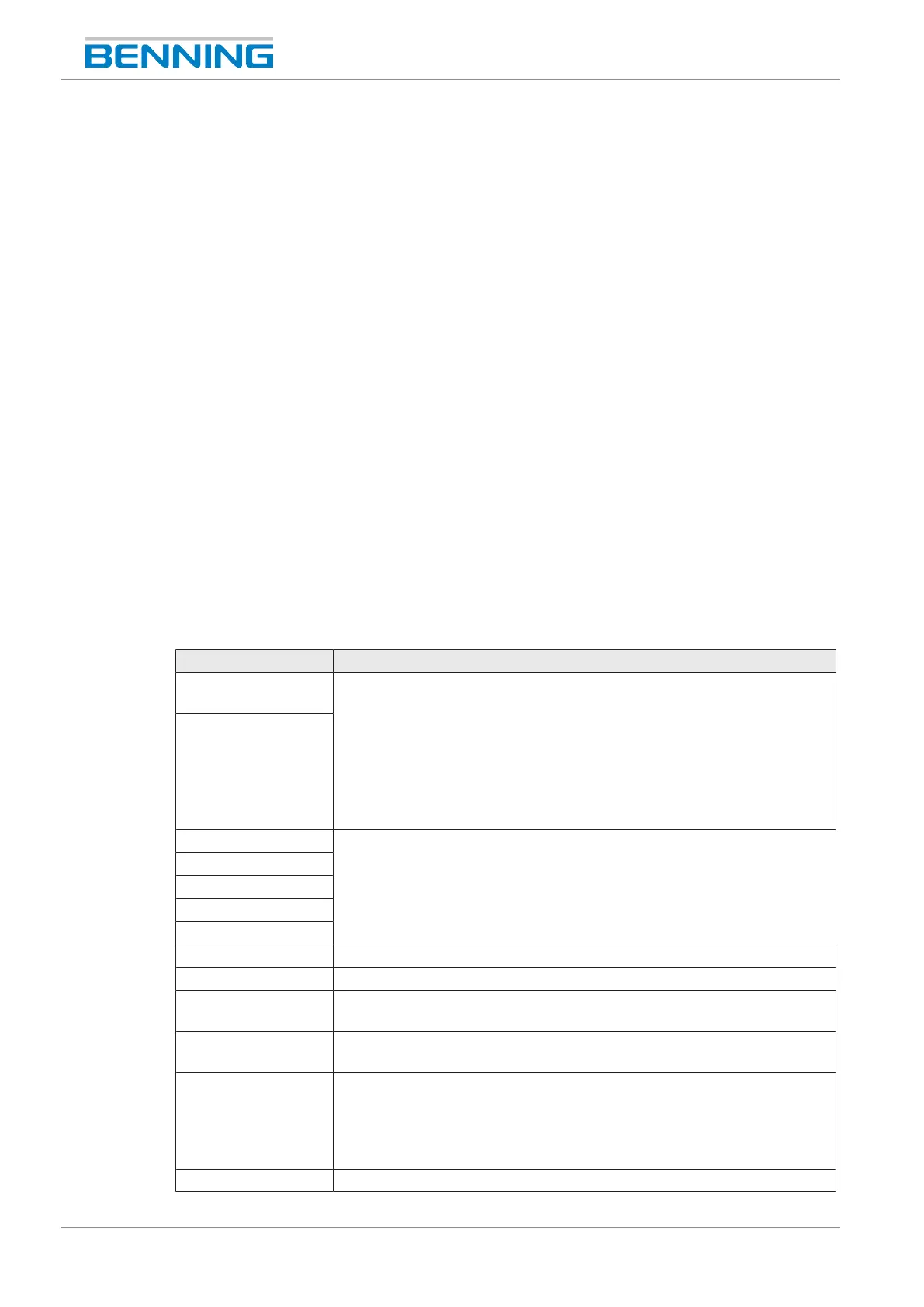
Parameter Description
IDno.
(mandatory)
Here, the identification number and test sample designation are entered
for the unique naming of test samples. It is possible to enter a
combination of text and numbers.
There are the following options for input:
• Manual input
• Reading a barcode with the barcode scanner [}page51]
• Reading an RFIDtag with the RFIDscanner [}page53]
Designation
Manufacturer Enter or select the parameter.
Serial number
Type
Model
Department
Test acc. to Select the test standard.
Protection class Select the protection class of the test sample.
Test procedure
(mandatory)
Select the test procedure.
Limits
(administrator)
Limits are specified in the test procedure.
Visual inspection
Select the visual inspection [}page41]:
• Standard visual inspection
• Advanced visual inspection
• Customer-specific visual inspection
Test interval Specify the test interval in months.



 To Next Page