General operation
6.1 Switching the device ON/OFF
5284 / 08/2023 en BENNING ST 755+ / ST 760+ 27
6 General operation
You can operate the device via the 7″ touch display. By tapping buttons you can navigate
through the menu, set functions and parameters and carry out measurements. This chapter
describes the basic operation of the device.
6.1 Switching the device ON/OFF
Plug the mains connection cable into a shock-proof socket (230V, 50Hz, 16A). To switch the
device on, set the mains switch to position “I”. After the start sequence, the device carries out a
self-test and shows the “Registration/login” [}page28] screen.
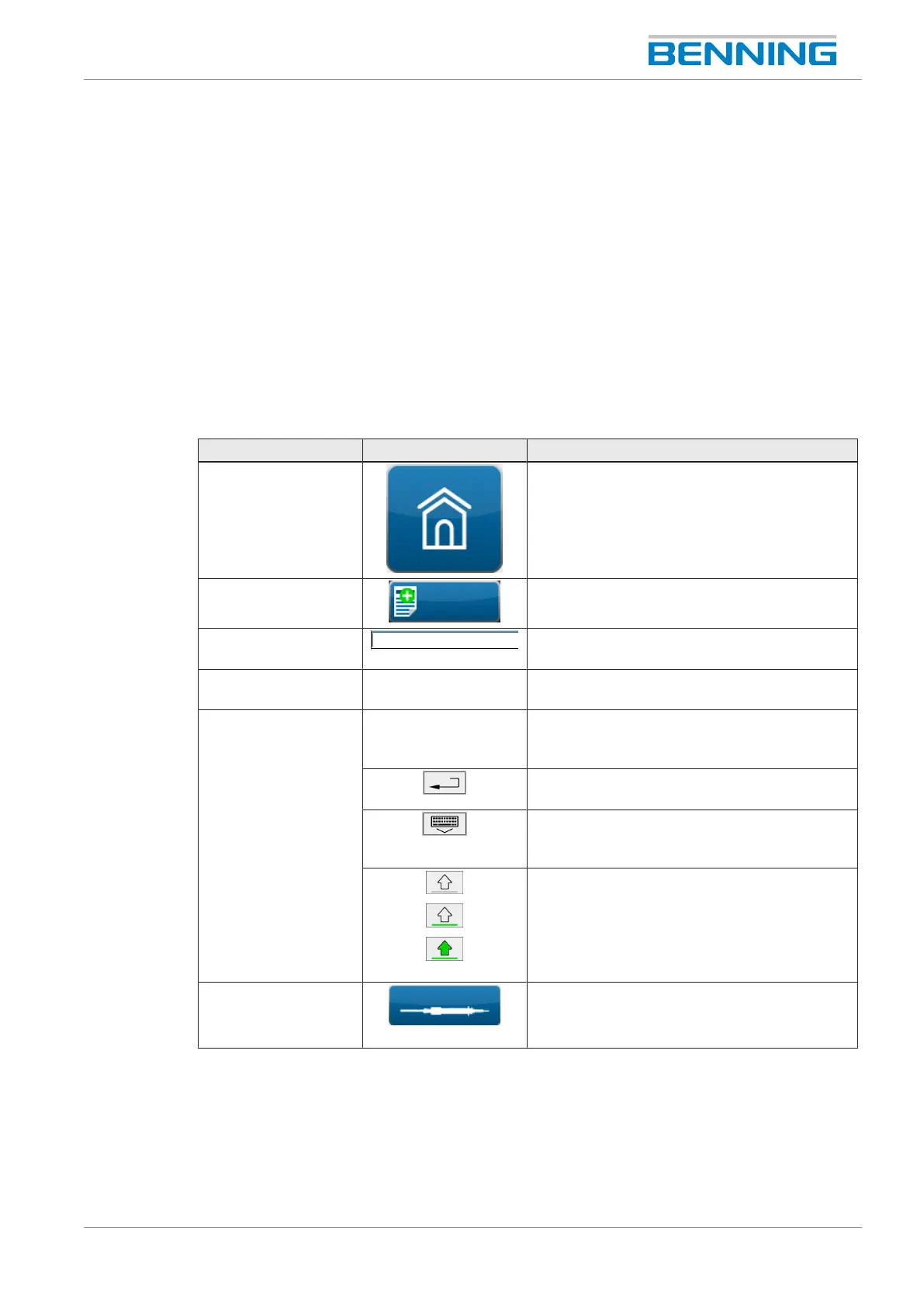
6.2 Operating elements
Setting options Example Description
Button Tap the button to open a menu.
Buttons in the footer
(e.g.: “New”)
Tap the button to open a screen with further
setting options.
Input line Input window for text input. Tap the input
window to display the soft keyboard.
Error message - Will be displayed in the event of an error.
Follow the instructions.
Soft keyboard - To enter text, a soft keyboard appears on the
display. Tap the displayed soft keys to make
your entries.
Tap the “Enter”button to confirm the input. The
soft keyboard is hidden automatically.
Tap the keyboard icon to show or hide the soft
keyboard. Hiding the soft keyboard terminates
the input.
Writing upper and lower case letters:
• Lower case
• Beginning of word with upper case
• Permanently upper case (tap and hold the
soft key for 2seconds)
Button
(e.g. probe
calibration)
Starts a test or measurement.
Table7: Operating the screen



 To Next Page