Phone App 99
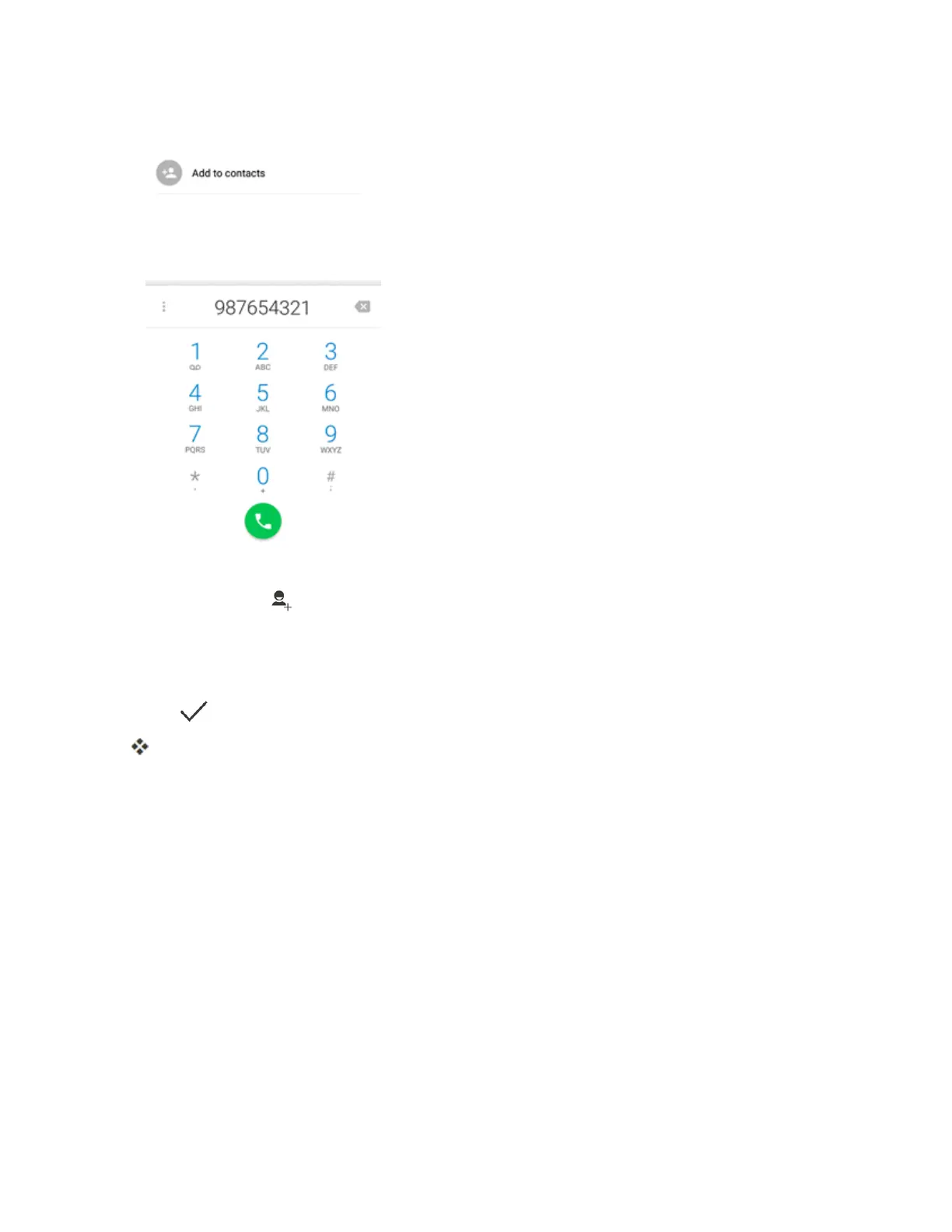
2. EnteraphonenumberandtapAdd to contacts.
3. Toaddthenumbertoanexistingcontact,scrollthecontactlistandtapthecontact.Toadda
newcontact,tap .
l Foranexistingcontact,tapthecontactnameandselectanumbertypeforthenewnumber.
l Foranewcontact,enterthenameandanyadditionalinformation.
4.
Tap .
Thecontactisadded.
Check Contacts
Viewacontact’sdetailsbydisplayingacontactentry.



 To Next Page