Connectivity 262
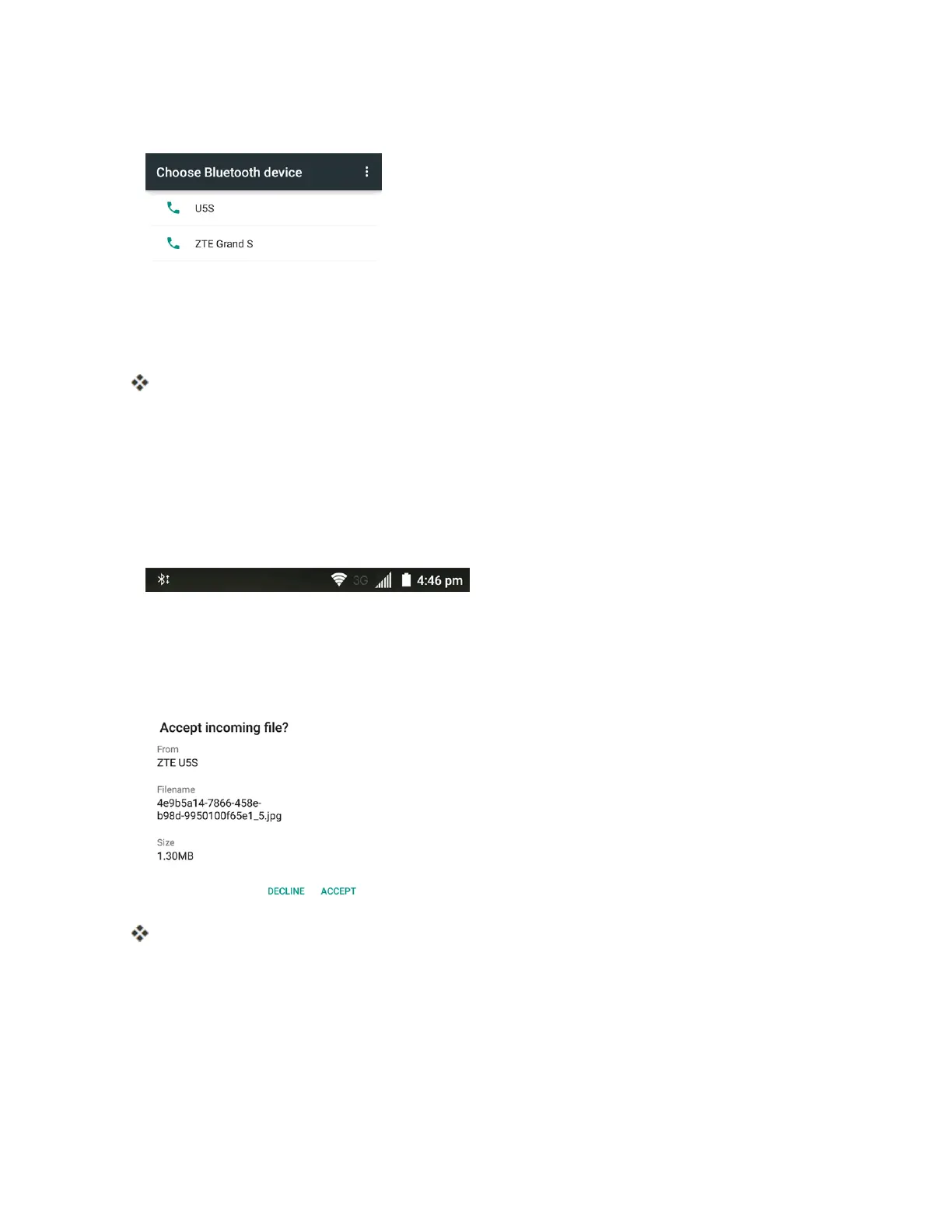
5. Tapthenameofthereceivingdevice.
6. Ifprompted,accepttheconnectiononthereceivingdevice,andenterthesamepasscodeon
bothyourphoneandtheotherdevice,orconfirmtheauto-generatedpasscode.
7. Onthereceivingdevice,acceptthefile.
Thecontactinformationissent.
Receive Data via Bluetooth
YourphoneiscapableofreceivingawidevarietyoffiletypeswithBluetooth,includingpictures,
musictracks,anddocumentssuchasPDFs.
1. WhenanotherdeviceattemptstosendafiletoyourphoneviaBluetooth,youwillseearequest
toacceptthefileinthestatusbar.
2. DragthestatusbardowntodisplaythenotificationspanelandthentaptheBluetooth share
notification.
3. TapACCEPT.
Thefileissenttoyourphone.
l Whenyourphonereceivesafile,youwillseeanotification.Toopenthefileimmediately,
dragthestatusbardowntodisplaythenotificationspanel,andthentapthenotification.
l Whenyouopenareceivedfile,whathappensnextdependsonthefiletype:
o
Mediafilesanddocumentsareusuallyopeneddirectlyinacompatibleapplication.For
example,ifyouopenamusictrack,itstartsplayinginamusicappyouchoose.



 To Next Page