Camera and Video 168
Pictures and Videos: Options while Viewing
n Zoom In or Out on a Picture or Video:Tapthescreentwiceorpinchthescreentozoomin
oroutonapictureorvideo.
n Viewing Videos:Usetheonscreencontrolstoplay,pause,fastforward,orrewindthevideo
playback.IfyouusetheVideoPlayerapp,moreoptionsareavailable,includingDolbyAudio,
screenshot,videoratio,picture-in-picture,andmore.
AfterselectinganalbumfromtheAlbumsscreen,youcanbrowsethroughthethumbnailsof
picturesandvideosofthatalbum.Tapathumbnailtoviewthepictureorvideoinfullscreen.Tap
toplaythevideo.Bydefault,thethumbnailsinanalbumaredisplayedingridview.
Note:Whenviewingthecontentofanalbum,youcantouchandholdonathumbnailtoopena
selectionmenuandchoosewhattodowiththepictureorvideo.
Edit Pictures
Whetheryou’rebrowsingpicturesintheGalleryapplication,youcantapapicturetodisplayoptions
andchoosetoeditthepicture,rotateit,andmore.
Rotate and Save a Picture
1.
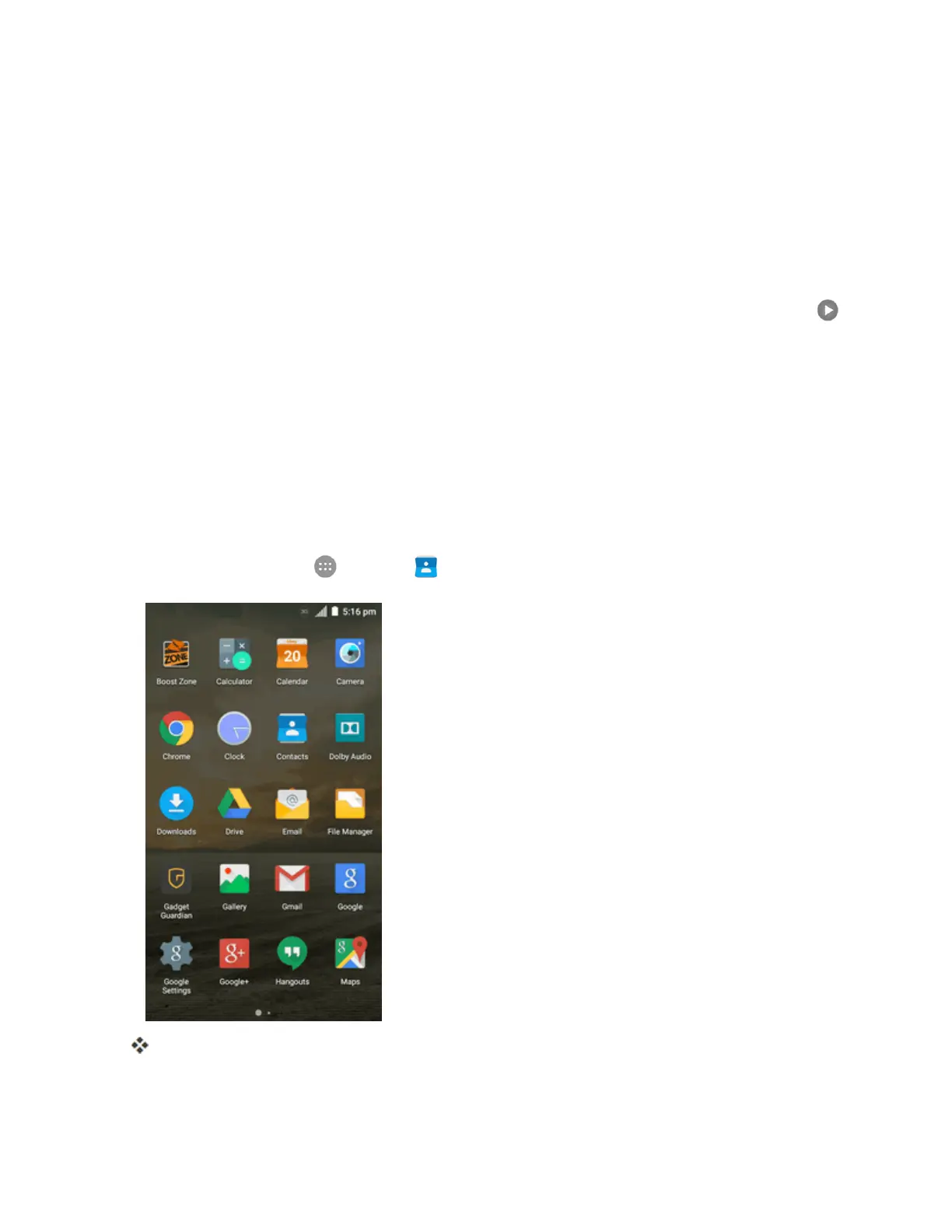
Fromhome,tapApps >Gallery .
Thealbumlistopens.



 To Next Page