Phone App 83
Tip:Thereareseveraliconsatthebottomofthereviewscreenfordeletion,sharing,calling,and
otheroptions.Foranexplanationofallyouroptions,tapMenu >Help>Messaging>Receiving
Messages>MessagePlayback.
Listen to Multiple Voicemail Messages
Whenyouaredonelisteningtoavoicemailmessageyoucaneasilyaccessothervoicemail
messageswithoutreturningtothemainvoicemailscreen.
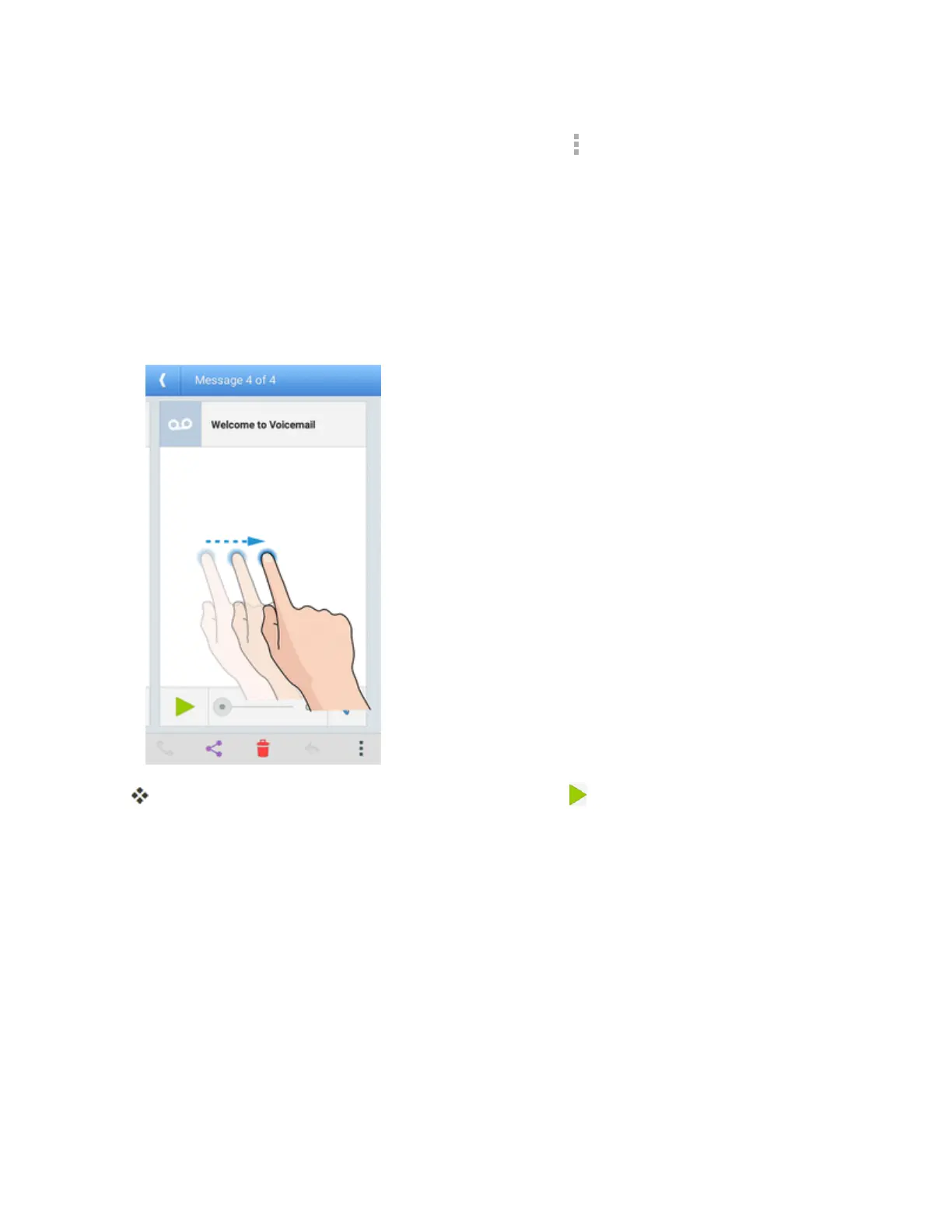
1. Listentothecurrentvoicemailmessage.
2. Swipeyourfingerleftorrighttodisplaythenextorpreviousmessage.
Thenextorpreviousmessageisdisplayed.Youcantap toplayit.
Youcannavigatethroughvoicemailmessagesasfrequentlyasyou'dlike.Youcanevenmoveto
thenextorpreviousmessagebeforeyou'refinishedlisteningtothecurrentone.
Visual Voicemail Options
Yourvisualvoicemailoptionsappearasiconsatthebottomofthevoicemailreviewscreen.



 To Next Page