Settings 289
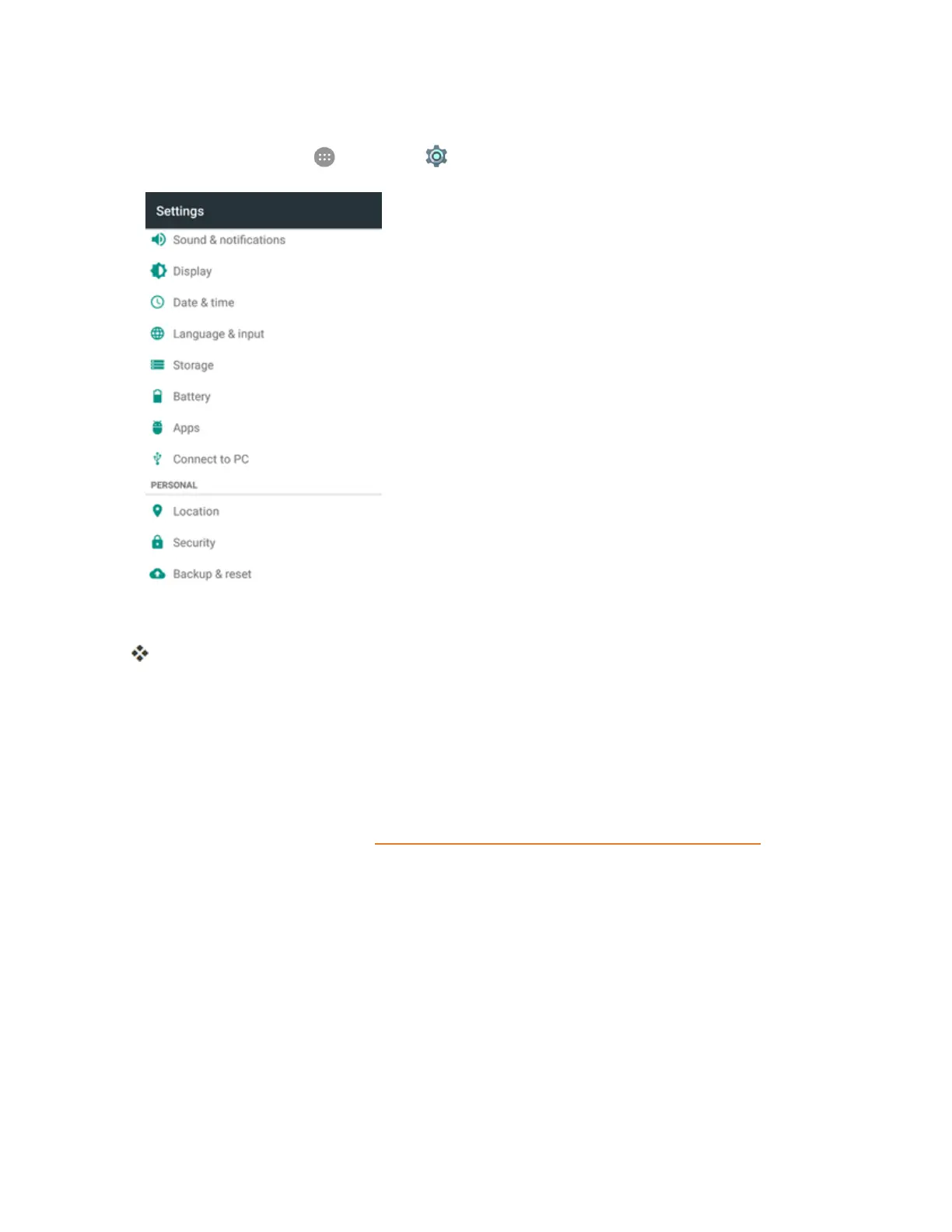
Access Apps Settings
1.
Fromhome,tapApps >Settings >Apps.
2. Tapitemstoviewdetails.
Checkyourapplicationsettingsconditionandaccessadditionaloptions.
l Dependingontheappanditslocation,youmaybeabletoforcetheappclosed,uninstallor
disabletheapp,clearcacheanddata,movetheappbetweenphoneandSDcard,and
more.
Connect to PC Settings
TheConnecttoPCsettingsmenuletsyouselecttheUSBconnectiontypebetweenyourphone
andPC.Formoreinformation,seeTransferFilesBetweenYourPhoneandaComputer.



 To Next Page