Get Started 10
Charge the Battery
Followtheseinstructionstochargeyourphone’sbatteryusingtheincludedACadapter,orviaa
USBconnectiononyourcomputer.
Charge the Battery Using the AC Adapter
Followtheseinstructionstochargeyourphone’sbatteryusingtheincludedACadapter.
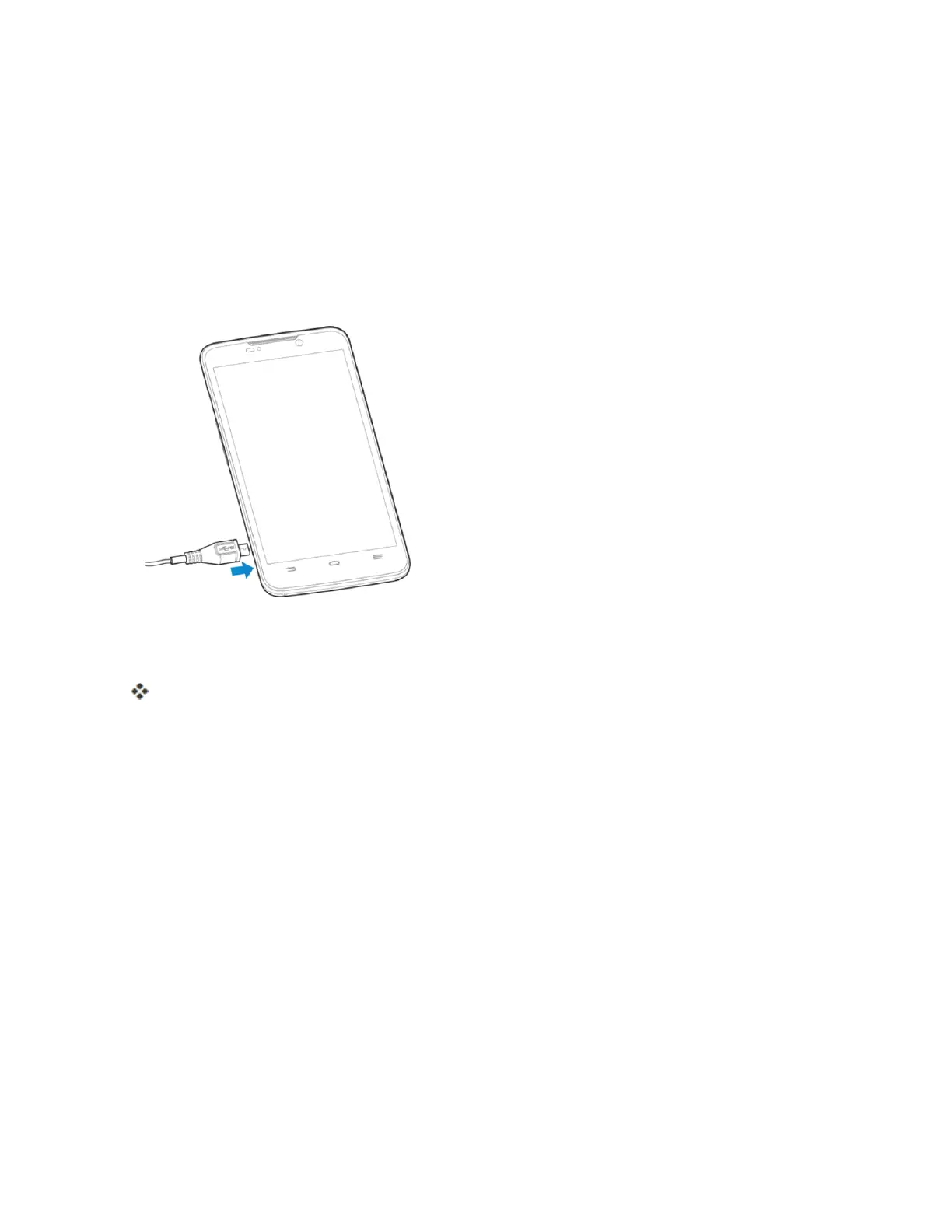
1. PlugtheUSBconnectorintothecharger/micro-USBjackonthesideofyourphone.
2. PlugtheotherendoftheUSBcableintotheACadapter.
3. PlugtheACadapterintoanelectricaloutlet.
Theindicatorlightilluminateswhenchargingstarts.Fullychargingabatterymaytakeupto
threehours.
4. Aftercharging,disconnectthephonefromthecharger.
l UnplugtheACadapterfromtheoutlet,andremovethemicroUSBcablefromthephone
andtheACadapter.
Charge the Battery Using a PC Connection
BeforeusingaPCconnectiontochargeyourphone,ensurethatthecomputeristurnedon.
Dependingonthetypeofconnection,yourphone’sbatterymaynotcharge.
1. Insertthesmallendofthemicro-USBcordintothecharger/micro-USBjackonthesideofyour
phone.



 To Next Page