Settings 295
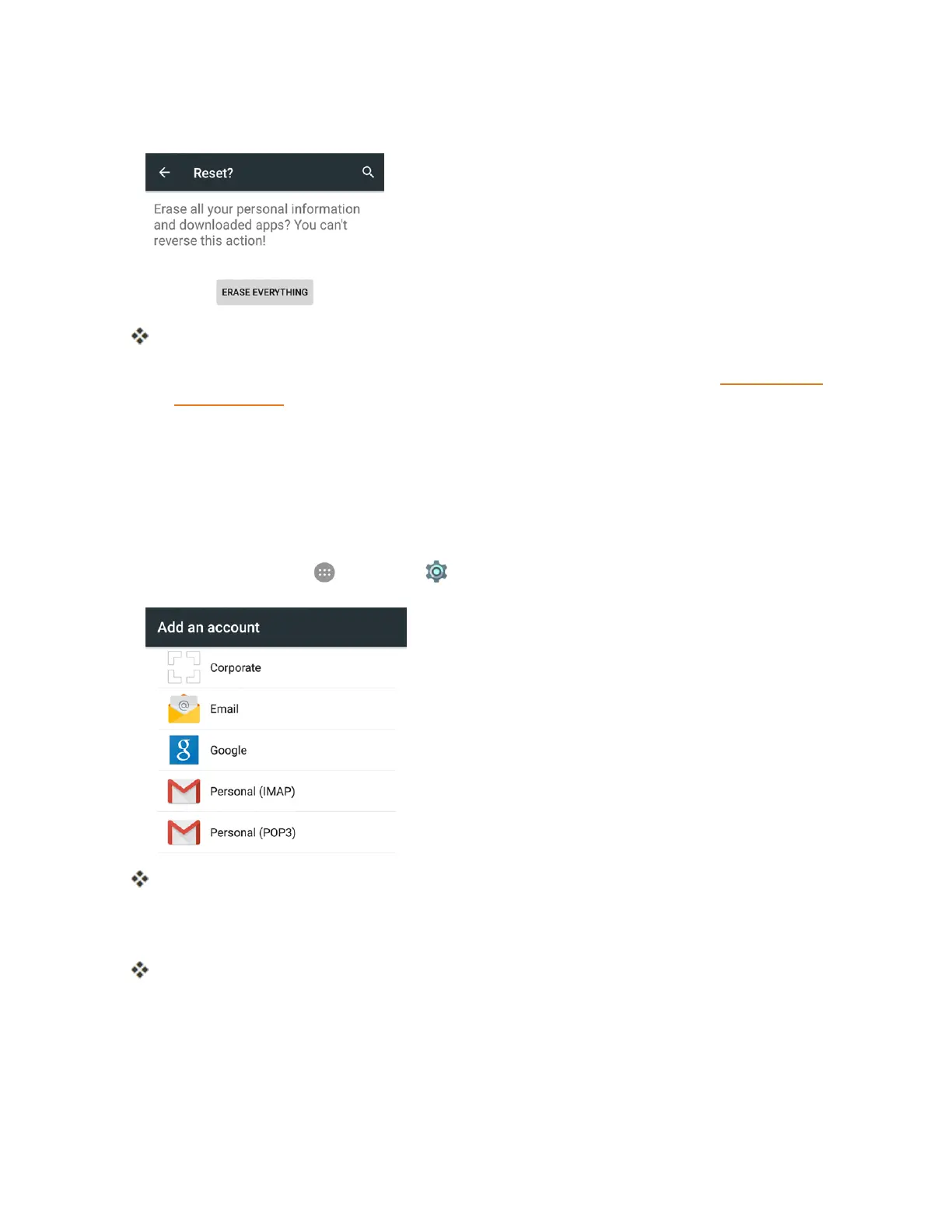
3. TapERASE EVERYTHING.
Yourphonewillpowerdownandresetitself,whichmaytakeupto10minutes.
l Oncethephonehasreset,itwillrunthroughtheSetupScreensagain.SeeCompletethe
SetupScreenstostartover.
Accounts
TheAccountssettingsmenuletsyouaddandmanageallyouremail,socialnetworking,andpicture
andvideosharingaccounts.
Set Up a New Account
1.
Fromhome,tapApps >Settings > Accounts > Add account.
AnAddanaccountscreenappears.
2. Tapanaccounttypeandthenfollowtheonscreeninstructionstoaddtherequiredaccount
information.
Theaccountisaddedtotheaccountslist.



 To Next Page