Camera and Video 195
1.
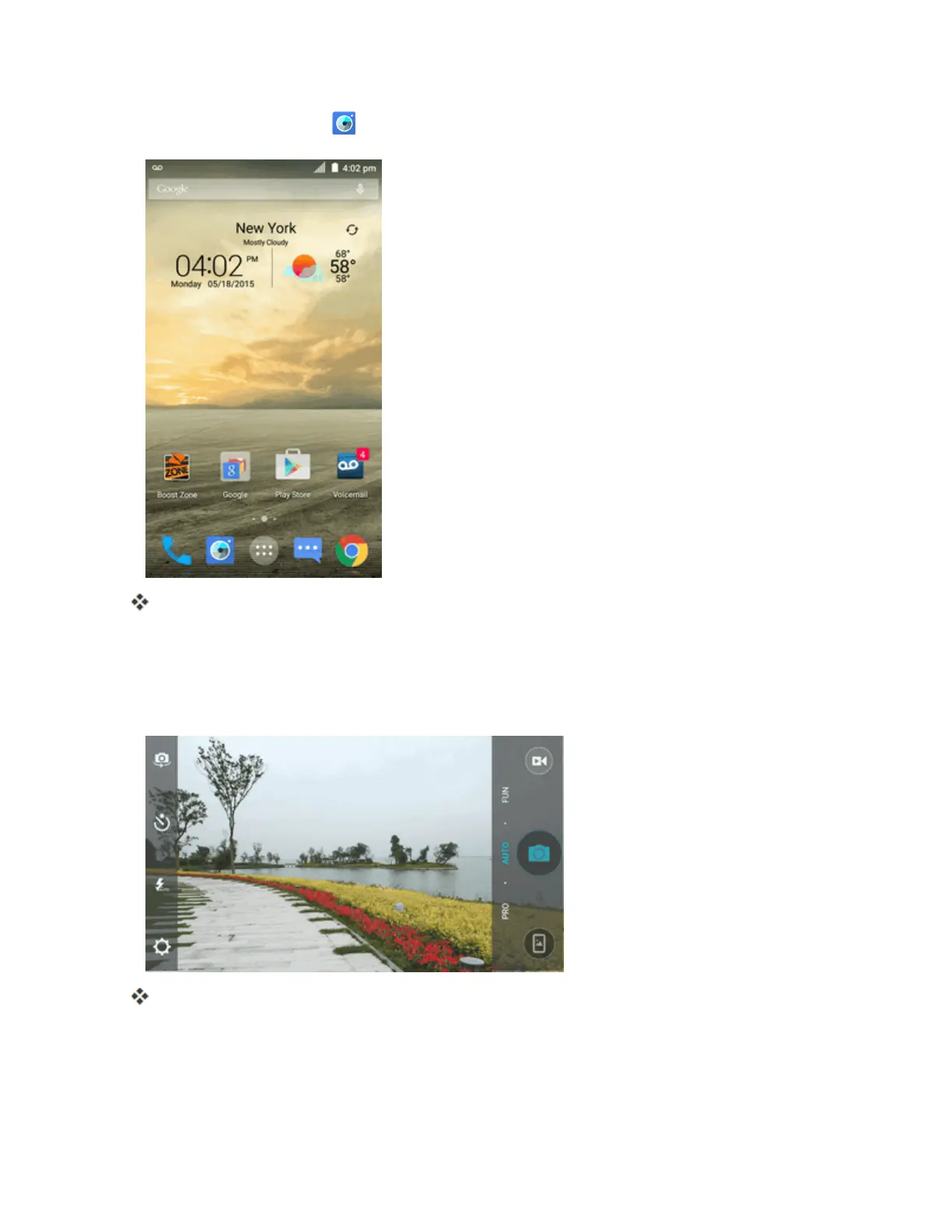
Fromhome,tapCamera .
Thecameraviewfinderappears.
2. Whenthebackcameralensisused,tapPROtoswitchtoprofessionalmodewhereyoucan
configuresomeadvancedprofessionaloptions,ortapFUNandselectamode.Whenthefront-
facingcameraisused,tapBEAUTYtocapturebeautyshotsortapFILTERtoapplyafilterto
yourpicture.
Thecameraswitchesmode.
Set Camera Functions
Youcanconfigureyourcamera’ssettingstofitanysituationandevent.



 To Next Page