Get Started 8
Remove SD Card
FollowtheseinstructionstoremoveanSDcard.AlwaysunmounttheSDcardorpowerthephone
offbeforeremovingthecard.
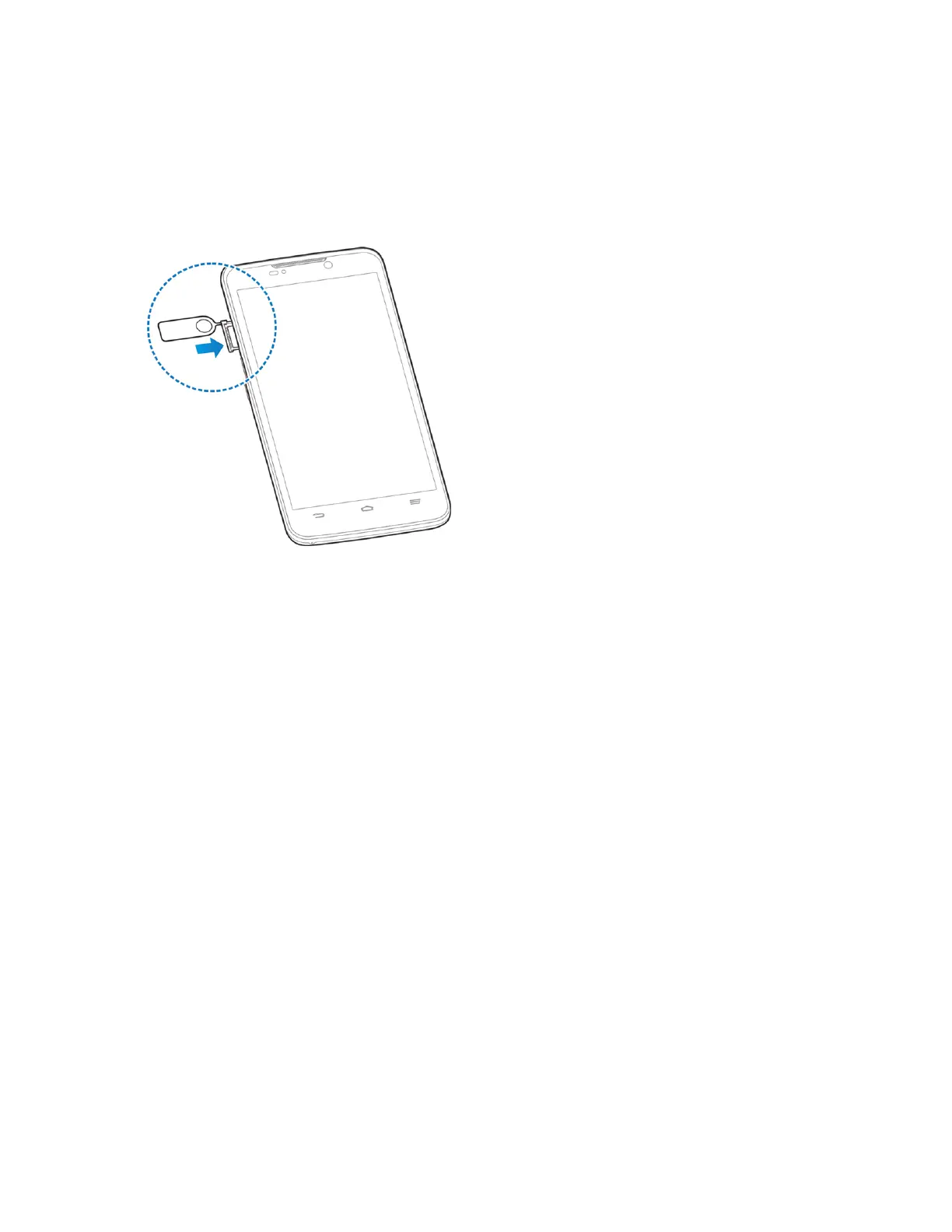
1. PushthepointofthetrayejecttoolintotheholeontheSDcardtray.
2. PulltheSDcardtrayoutoftheslot.
3. RemovetheSDcard.
4. ReplacetheemptySDcardtray.
Format SD Card
WhenyouinsertanoptionalSDcardforthefirsttime,itisrecommendedthatyouformatitonyour
phone.



 To Next Page