Useful Apps and Features 202
Selecting a Calendar
Ifyouhavemorethanonecalendar,tapthefieldabovetheeventnamelinetoselectacalendarin
whichtoaddevents:
n SelectMy calendartocreateaneventthatwillappearonlyonyourphone.
n SelectyourGoogleAccounttocreateaGoogleCalendarevent.IfyouhaveseveralGoogle
CalendarsontheWeb,selectoneinwhichtoaddyourevent.
l YoucancreatemultipleGoogleCalendarsonlyinGoogleCalendarontheWeb.After
creatingtheminGoogleCalendarontheWeb,you’llbeabletoseethemintheCalendar
applicationonyourphone.Formoreinformationaboutcreatingandmanagingmultiple
GoogleCalendars,visittheGooglewebsite:calendar.google.com.
n IfyouhavesynchronizedyourphonewithanExchangeActiveSyncaccountorOutlookonyour
computer,youcanalsoselectthesecalendars.
n SelectyourOutlookAccounttocreateanOutlookCalendareventtosyncwithyourcomputer.
n SelectyourExchangeActiveSyncAccounttocreateanExchangeActiveSynccalendarevent.
View Calendar Events
YoucandisplaytheCalendarindaily,weekly,monthly,oragendaview.TochangetheCalendar
view,tapthetimeatthetopleftandselectMonth,Week,Day,orAgenda.
1.
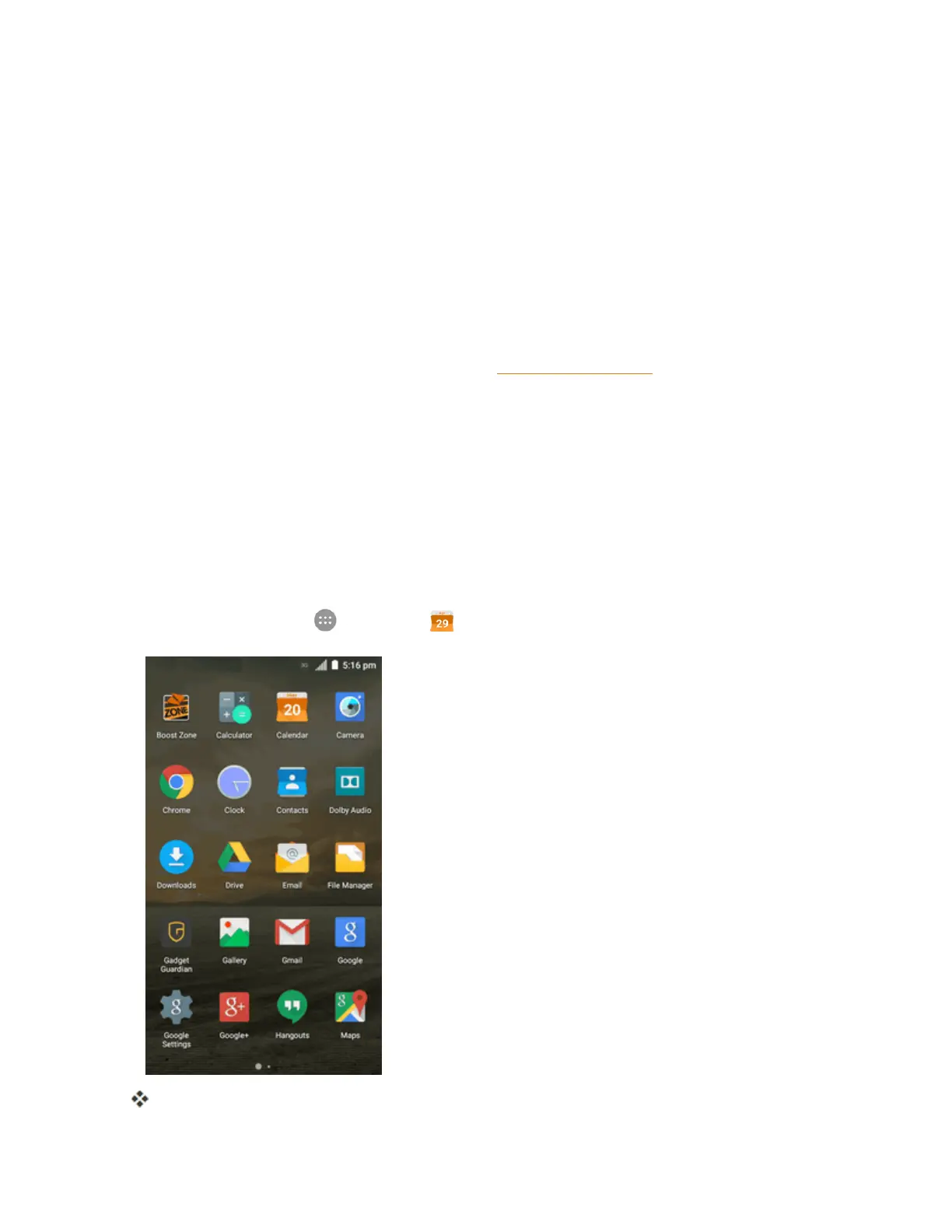
Fromhome,tapApps >Calendar .
TheCalendarappopens.



 To Next Page