Settings 277
1.
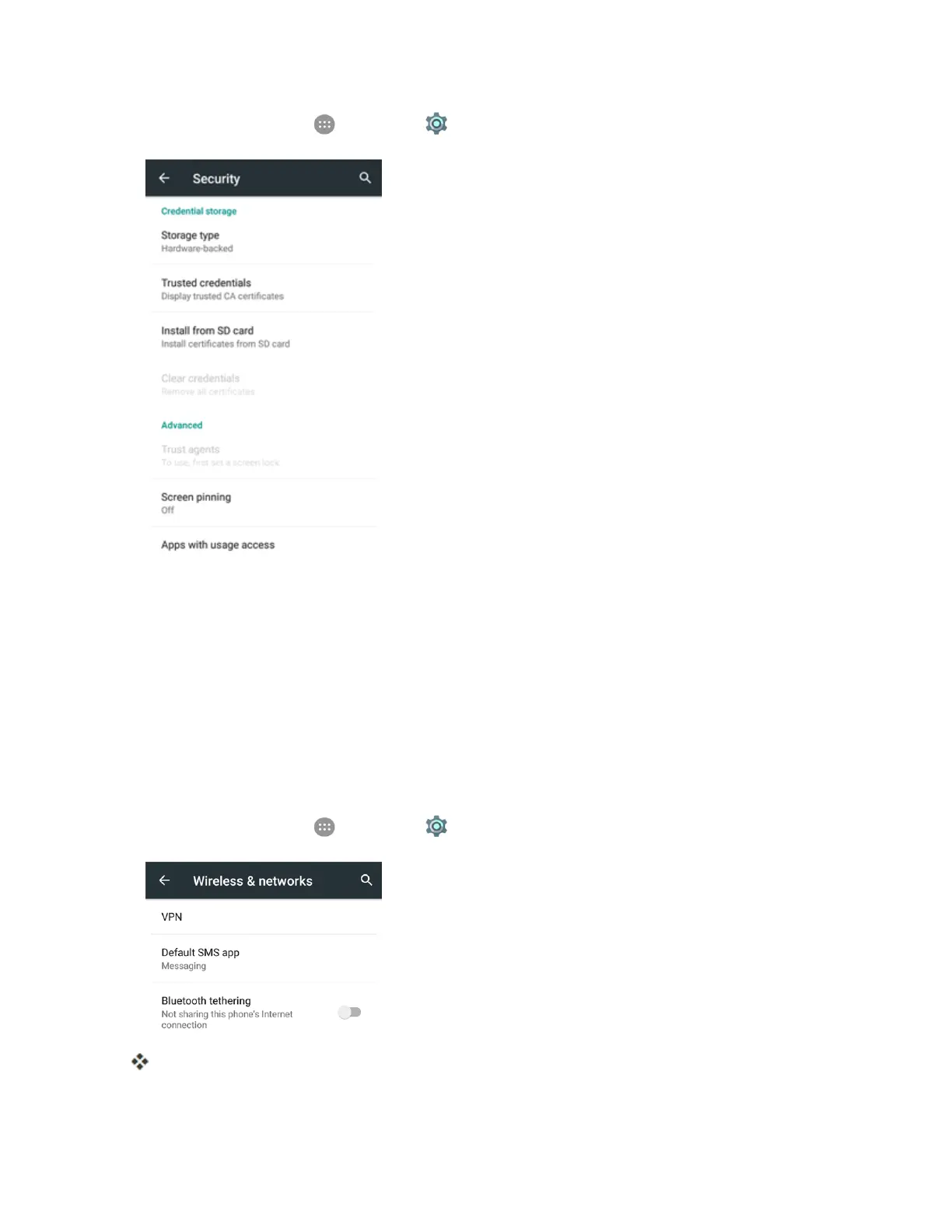
Fromhome,tapApps >Settings > Security > Install from SD card.
2. Selectthecertificatefileyouneedtoinstall.Onlycertificatesthatyouhavenotinstalledare
displayed.
3. Ifprompted,enterthecertificatepasswordandtapOK.
4. EnteranameforthecertificateandtapOK.
Note:IfyouhavenotsetaPINorpasswordforyourphone,youarepromptedtosetoneup.
Add a VPN Connection
UsetheWireless&networkssettingsmenutoaddaVPNconnectiontoyourphone.
1.
Fromhome,tapApps >Settings > More> VPN.
TheVPNsettingswindowappears.



 To Next Page